
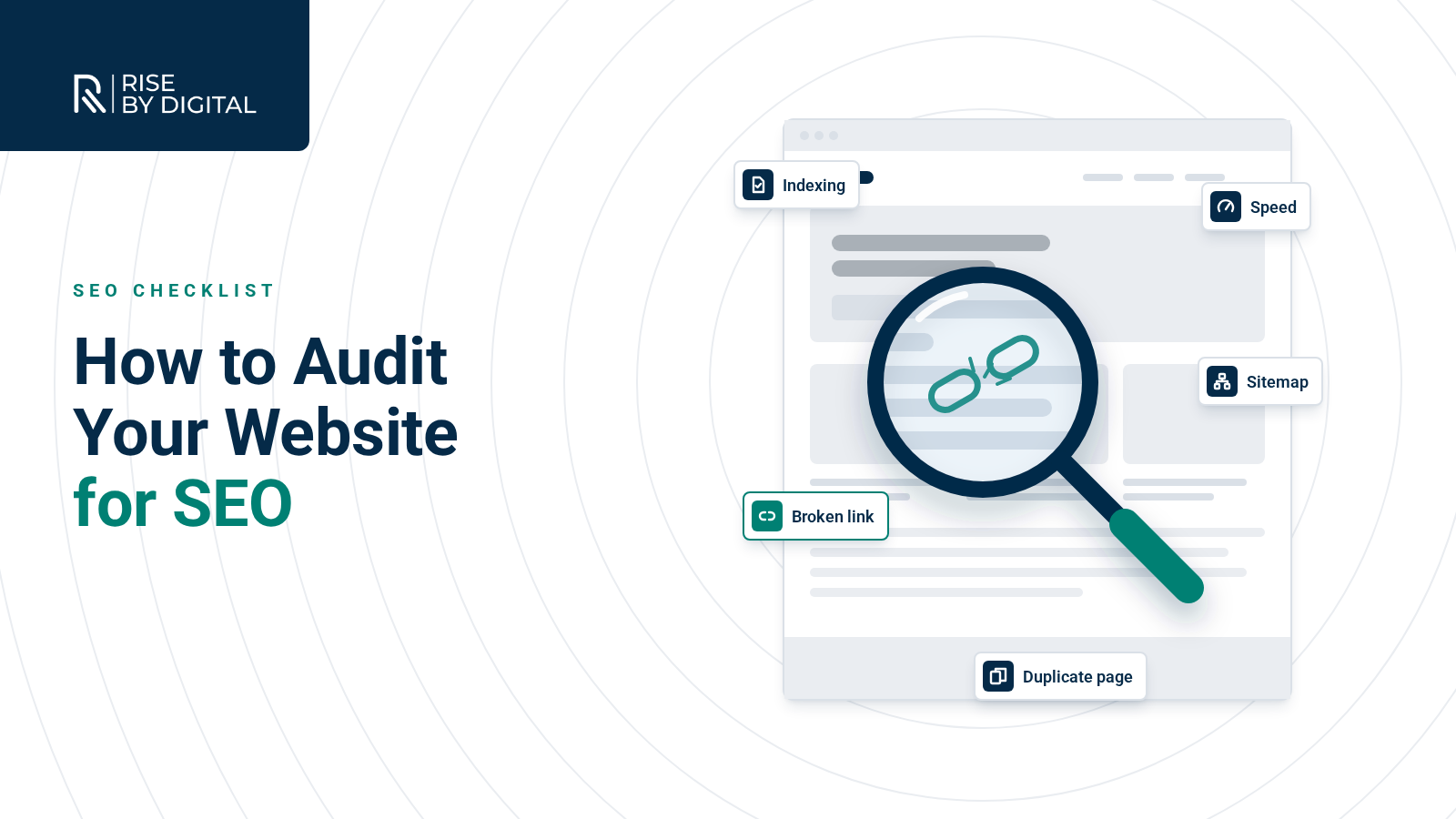
What an SEO audit covers, the free tools to use, a 10-step checklist from indexing to Core Web Vitals and how to prioritise the fixes that matter.
An SEO audit is a health check for your website. It looks at whether search engines can find, crawl and understand your pages, whether those pages give people what they are looking for, and what is stopping you from ranking higher. Done well, it gives you a prioritised list of fixes rather than a pile of warnings.
This guide explains what an SEO audit covers in 2026, the free tools you can use, a step-by-step checklist and how to decide what to fix first.
What is an SEO audit?
Search engines work in three stages: they crawl the web to discover pages, index the pages they can understand, then rank indexed pages for each search. An audit checks each stage:
- Crawling and indexing: can Google reach and store your important pages?
- Technical health: is the site fast, secure, mobile-friendly and free of errors?
- On-page and content: do your pages target the right searches and answer them well?
- Authority: do other reputable sites link to and mention you?
- Local visibility: if you serve a local area, is your Google Business Profile complete and accurate?
The aim is not a perfect score in a tool. It is finding the issues that genuinely hold back your visibility and enquiries.

The tools you need
You can cover a lot with free tools from Google:
- Google Search Console: indexing status, search queries, Core Web Vitals, manual actions and sitemap reports. This is the most important tool for any audit.
- PageSpeed Insights: real-user and lab data on loading speed and Core Web Vitals.
- Rich Results Test: checks whether your structured data is valid and eligible for rich results.
- A site crawler: tools such as Screaming Frog crawl your site like a search engine and flag broken links, redirects, missing titles and duplicate pages.
Paid suites such as Ahrefs and Semrush add backlink and competitor data. They are useful, but remember Google's own warning that it does not endorse third-party SEO tools and that these tools do not have access to Google's internal ranking data (Google: Do you need an SEO?). Treat their scores as prompts to investigate, not verdicts.
Step-by-step SEO audit checklist
1. Indexing
- Open the Page indexing report in Search Console. Are your important pages indexed? Look at the reasons pages are excluded.
- Use URL Inspection on key pages to see how Google last crawled and rendered them.
- Search Google for site:yourdomain.co.uk as a rough sense check.
2. Crawlability
- Check your robots.txt file is not blocking pages or resources you want indexed.
- Look for stray noindex tags on pages that should rank (a common leftover from a staging site).
- Make sure every important page is linked from somewhere on your site.
3. XML sitemap
- Confirm a sitemap exists, lists only the canonical URLs you want in search, and is submitted in Search Console.
- Check for errors in the Sitemaps report.
- Do not spend time on priority or changefreq values: Google ignores them, though it does use an accurate lastmod date. A single sitemap can list up to 50,000 URLs or 50MB uncompressed.
4. Duplicate content and canonicals
- Find pages available at more than one URL, for example with and without a trailing slash, or with tracking parameters.
- Where possible, redirect duplicates to the preferred URL. Where you cannot, use a rel="canonical" link element pointing to it.
- Duplicate content is not a spam violation, but it wastes crawling and can split signals between pages (Google SEO Starter Guide).
5. Speed and Core Web Vitals
- Check the Core Web Vitals report in Search Console and test key templates in PageSpeed Insights.
- Google's thresholds for a good experience are LCP within 2.5 seconds, INP under 200 milliseconds and CLS under 0.1.
- Common fixes include compressing and correctly sizing images, reducing heavy scripts, browser caching and using a CDN. See our guide to website speed.
6. Mobile and security
- Test key pages on a real phone: readable text, tappable buttons, no horizontal scrolling. Google indexes the mobile version of your site.
- Make sure the whole site runs on HTTPS with no mixed content warnings.
7. On-page basics
- Every page has a unique, descriptive title and a meta description written for people.
- One clear H1, with logical H2 and H3 headings.
- Images have descriptive alt text.
- Each important page targets a clear topic, and no two pages compete for the same search.
8. Content quality
- Does each page genuinely answer the question someone searched for, better than the alternatives? Google's guidance on helpful, people-first content is a good yardstick.
- Look for thin, outdated or overlapping pages that could be improved, merged or redirected.
9. Links
- Fix broken internal links and remove redirect chains.
- Review your backlink profile for obvious spam, and focus on earning links from relevant, reputable sites.
10. Structured data and local signals
- Validate any schema markup with the Rich Results Test.
- If you serve a local area, check your Google Business Profile is verified, complete and consistent with your website. Our local SEO guide covers this in detail.
What about AI search?
AI Overviews and AI Mode draw on pages that are already indexed and eligible to appear in search. Google says there are no extra technical requirements for these features beyond normal SEO best practice (Google: AI features and your website). In other words, a solid audit is also the foundation for AI visibility. Our guide to SEO, AEO and GEO explains more.
How to prioritise what you find
Audits often produce hundreds of warnings. Sort them by impact and effort:
- Critical: anything stopping important pages being indexed, such as noindex tags, blocked resources or server errors.
- High impact: slow key templates, broken conversion paths, duplicate or competing pages, missing titles on important pages.
- Improvements: content updates, internal linking, structured data.
- Housekeeping: minor warnings with little real-world effect.
What a good audit report should include
Whether you do it yourself or use an agency, the output should be something you can act on. Look for:
- A short summary of the biggest issues and opportunities, in plain English.
- Evidence for each finding, such as screenshots from Search Console or example URLs.
- A clear priority and an estimate of effort for each fix.
- Who needs to do what: content changes, developer tasks and quick wins you can do yourself.
- Benchmarks to measure against afterwards, such as indexed pages, Core Web Vitals and organic clicks.
Be wary of reports that are just a tool export with a logo on top, or that promise guaranteed rankings. As Google puts it, an audit should give you realistic estimates of improvement and of the work involved.
How often should you audit?
Run a full audit before and after any redesign or migration, and at least once a year. In between, check Search Console monthly for new indexing issues, falls in clicks or manual actions.
Get an SEO audit
Auditing takes time, and interpreting the results takes experience. If you would rather have an expert look, we offer a technical SEO audit with clear, prioritised recommendations. If you go ahead with an agency, Google's advice is sensible: grant read-only access to Search Console at the audit stage. You can see how we work on our SEO services page.