
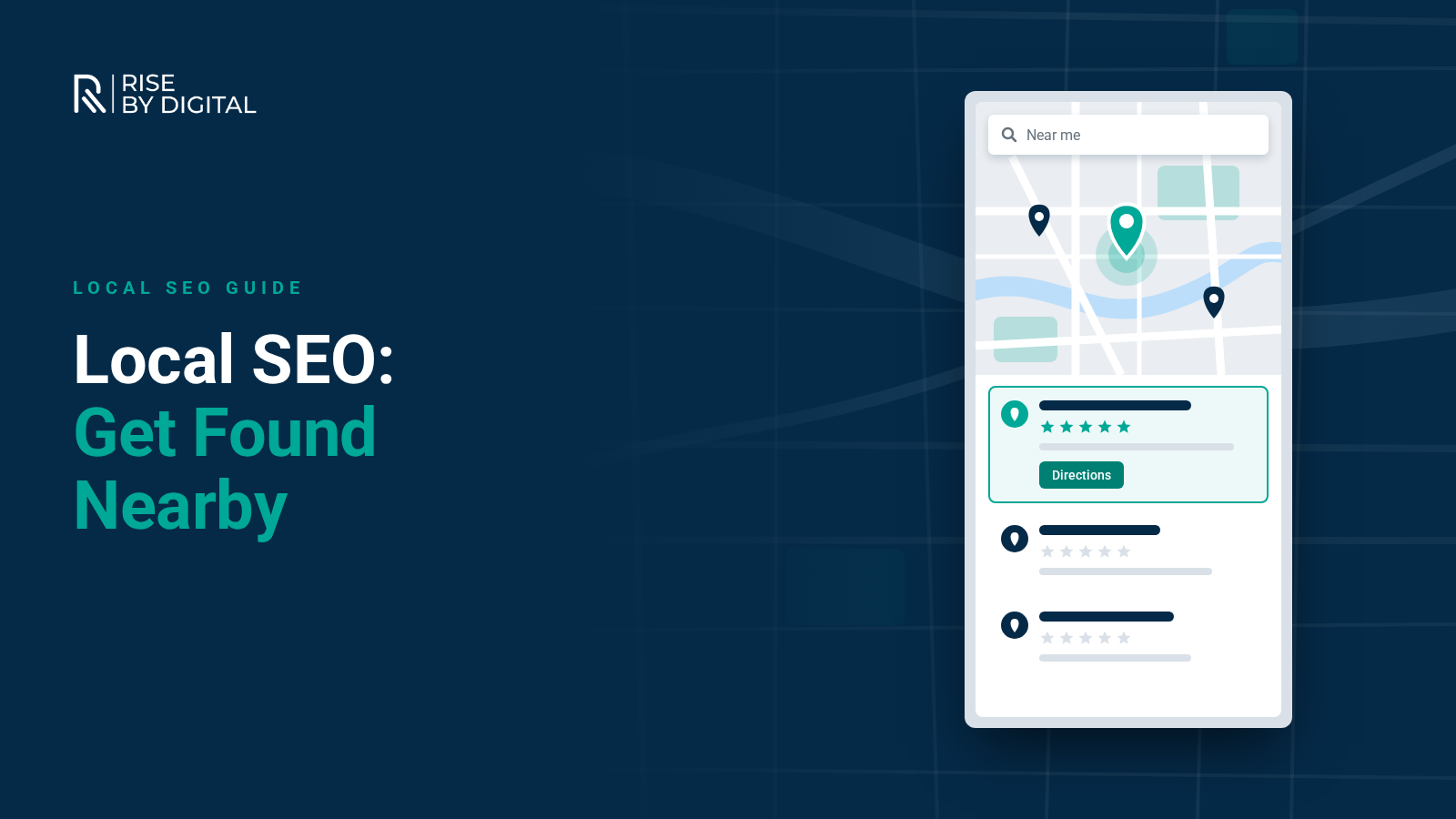
How Google ranks local results, how to optimise your Google Business Profile, get reviews within the rules, strengthen your website and earn local links, with a checklist.
When someone searches for "accountant near me", "plumber in Loughborough" or "best coffee in Leicester", Google shows a map with a handful of businesses, followed by local results. Local SEO is the work of making sure your business appears in those results, looks trustworthy when it does, and turns searches into calls, visits and enquiries.
This guide covers how Google decides local rankings, how to set up and optimise your Google Business Profile, what to do on your website, how to handle reviews within the rules, and a checklist you can work through this month.
How Google ranks local results
Google is unusually open about this. Its guidance on local ranking says local results are based mainly on three factors:
- Relevance: how well your Business Profile matches what someone is searching for.
- Distance: how far your business is from the searcher, or from the location in their search.
- Prominence: how well known your business is, based on things such as reviews, links and mentions across the web.
You cannot change where a customer is standing, but you can control relevance and build prominence. Google also states that there is no way to pay for a better local ranking.
Step 1: Claim and optimise your Google Business Profile
Your Google Business Profile (it was called Google My Business until Google renamed it in November 2021) is the single most important local SEO asset. It is what appears in the map results and in Google Maps.
Get the basics right
- Verify your business. Google says verified businesses are more likely to show in local results.
- Use your real business name. Google's guidelines say your name should match your signage and website. Adding keywords or locations to it breaks the rules and can get your profile suspended.
- Choose the right primary category. This has a big influence on which searches you can appear for. Add secondary categories only where they genuinely apply.
- Set your address or service area correctly. If customers visit you, show your address. If you travel to customers and do not serve them at your premises, hide the address and set service areas instead.
- Add accurate opening hours, including bank holidays and special hours.
- Add your phone number and website, ideally linking to the most relevant page rather than always the homepage.
Make it rich and current
- Write a clear description of what you do and who you serve, in plain language.
- List your services or products with short descriptions.
- Add real photos and videos of your premises, team and work. Google highlights photos as a way to show customers what you offer.
- Fill in attributes such as accessibility, parking or payment options where relevant.
- Post updates about offers, events or recent projects to keep the profile active.
Check your profile every few months, too. Google can update profile details using information from other sources and suggestions from users, so make sure what customers see is still correct.
Step 2: Build reviews, within the rules
Reviews matter for both prominence and persuasion. Google says more reviews and positive ratings can help your local ranking, and replying to reviews shows customers you value their feedback.
Do
- Ask every happy customer for a review, at the moment they are most satisfied. A short link or QR code makes it easy.
- Reply to every review, positive or negative, politely and promptly.
- Use negative reviews to fix problems and show other customers how you respond.
Do not
- Offer incentives for reviews. Google's Maps content policy prohibits offering payment, discounts or free goods in exchange for reviews, and incentivised reviews are removed.
- Post or buy fake reviews. Since 6 April 2025, fake reviews and reviews that conceal an incentive have been banned under UK consumer law, enforced by the CMA (GOV.UK: fake reviews guidance).
- Only ask customers you expect to be positive. Selective requests give a misleading picture and fall foul of the same principles.
Step 3: Optimise your website for local searches
Your website supports your Business Profile and helps you rank in the organic results below the map.
- Create a page for each core service, explaining what you do, where and for whom. Mention the towns and areas you serve naturally, where they genuinely apply.
- Add location pages only where you have something real to say, such as projects, team members or specifics for that area. Near-identical pages with the town name swapped are unhelpful and can be treated as doorway pages.
- Show your name, address and phone number consistently in the footer or on your contact page, matching your Business Profile.
- Embed a map and directions on your contact page if customers visit you.
- Use LocalBusiness structured data to describe your business details to search engines.
- Make your site fast and mobile friendly, with a tap-to-call button and clear calls to action. Many local searches happen on phones.
Step 4: Earn local links and mentions
Prominence comes partly from what the rest of the web says about you. Good local sources include:
- Local business associations, chambers of commerce and trade bodies.
- Sponsorships of local clubs, charities and events.
- Local news coverage of your projects, hires or milestones.
- Supplier and partner websites.
- Reputable industry and local directories, with your details consistent everywhere.
Focus on relevance and quality rather than volume. A handful of genuine local links beats hundreds of low-quality directory listings. Our beginner's guide to backlinking covers the principles.
Step 5: Measure what matters
- Business Profile performance: searches, views, calls, direction requests and website clicks.
- Search Console: clicks and impressions for local queries and your service pages (see our Search Console guide).
- Enquiries: track calls and form submissions by source, so you can see which activity produces customers.
Local SEO checklist
- Business Profile claimed and verified.
- Business name matches your signage, with no added keywords.
- Primary and secondary categories reviewed.
- Address or service areas set correctly.
- Hours, phone number and website link accurate.
- Description, services and attributes complete.
- At least a dozen recent, real photos.
- A simple process to ask every customer for a review.
- Every review replied to.
- Service pages on your website for each core service.
- Name, address and phone number consistent everywhere.
- LocalBusiness structured data added.
- Website fast on mobile with tap-to-call.
- A plan for earning local links each quarter.
Local SEO FAQs
Get help with local SEO
Local SEO rewards consistency more than one-off effort. If you would rather have specialists handle it, our local SEO packages cover Business Profile optimisation, content, links and reporting. You can see our current local and national SEO packages and prices on our SEO page. We will tell you honestly what is achievable in your area.