
What website speed really means in 2026, how Core Web Vitals (LCP, INP and CLS) work, how to test your site for free and the fixes that make the biggest difference.
We have all waited for a page that will not load, tapped a button that does nothing, or tried to click a link just as the page jumps. Each moment is small, but together they shape whether people trust your business enough to stay, enquire or buy.
This guide explains what website speed really means in 2026, how Google measures it, how to test your own site and which fixes make the biggest difference. It replaces our original 2022 article, which leaned on statistics we could no longer trace to a reliable source, so we have removed them and focused on what you can measure yourself.
Website speed is more than one number
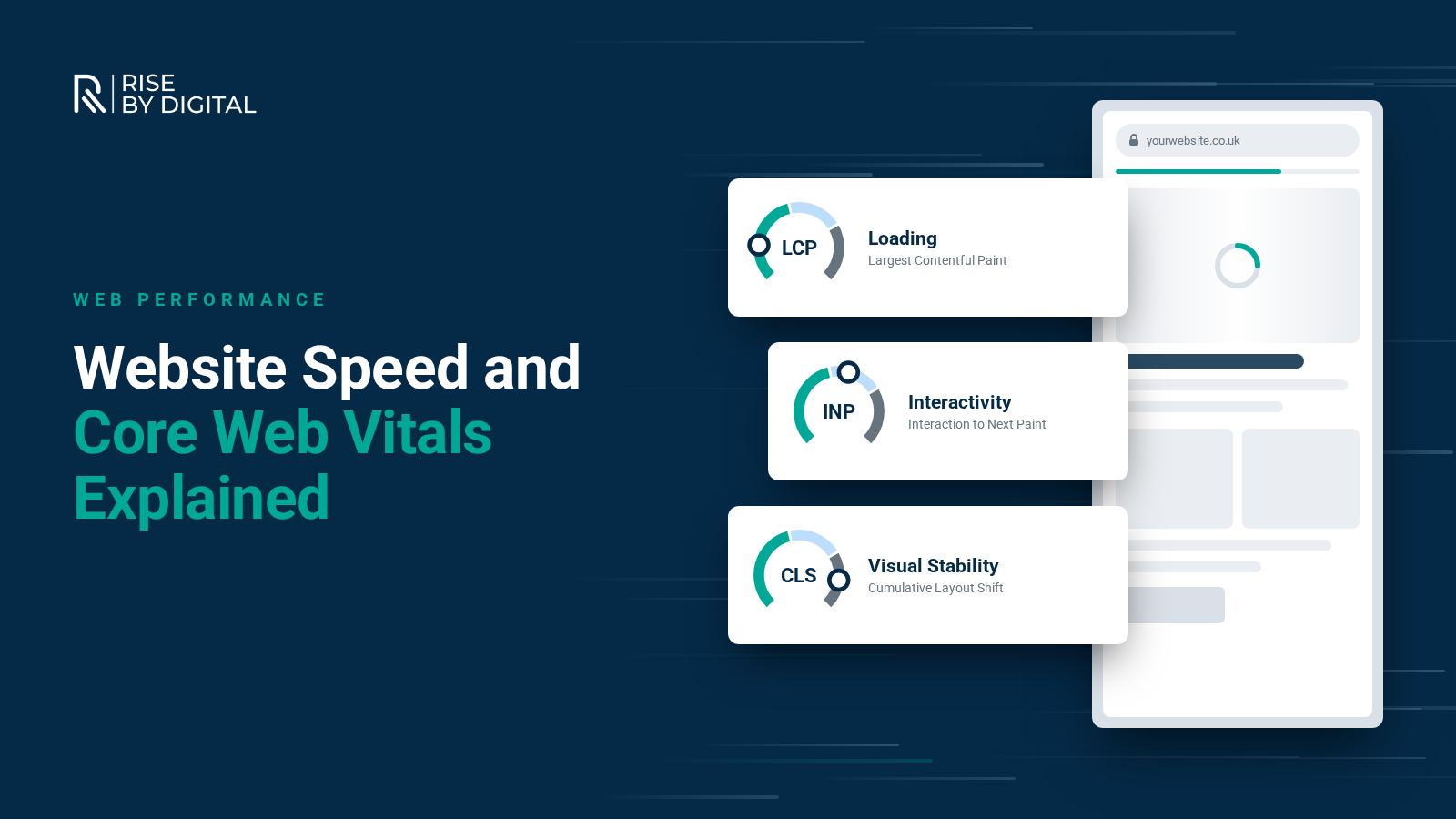
"Speed" is not a single score. A page can start showing content quickly but still feel slow if buttons lag or the layout keeps shifting. That is why Google uses a set of metrics called Core Web Vitals, which look at three parts of the experience:
- Largest Contentful Paint (LCP) measures loading. The main content should appear within 2.5 seconds.
- Interaction to Next Paint (INP) measures responsiveness. The page should react to taps, clicks and key presses within 200 milliseconds.
- Cumulative Layout Shift (CLS) measures visual stability. Aim for a score of 0.1 or less, so content does not jump around as it loads.
Google recommends judging these at the 75th percentile of page visits, on mobile and desktop separately. In other words, most of your real visitors should get a good experience, not just the lucky ones on fast connections.
If you read older guides, you may see First Input Delay (FID) mentioned. INP replaced FID as a Core Web Vital in March 2024, and it is a tougher test because it looks at interactions throughout the visit, not just the first one.
Server response time
Behind all of this sits Time to First Byte (TTFB), how long your server takes to start sending the page. It is not a Core Web Vital, but web.dev suggests most sites should aim for a TTFB of 0.8 seconds or less. A slow server makes every other metric harder to hit.
Why speed matters
For your visitors
A slow or jumpy site is frustrating, and frustrated visitors leave. Mobile users on patchy connections feel this most, and for many businesses they are now the majority of visitors. Speed is also part of first impressions: a site that responds instantly feels professional.
For your search visibility
Google says that good Core Web Vitals align with what its core ranking systems seek to reward. It is also clear that speed is not everything. In its own words, Google Search "always seeks to show the most relevant content, even if the page experience is sub-par". Where several pages are equally helpful, though, a better experience can help you stand out.
So treat speed as part of a good website, not a shortcut to rankings. A fast page with weak content will not rank, but a slow page can hold back good content.
For your conversions
Speed affects whether people complete forms, add to basket and check out. The effect varies by site, so rather than quoting industry averages, compare your own conversion rates before and after speed improvements. Our guide to why website visitors are not converting covers the other factors worth checking alongside speed.
How to test your website speed
PageSpeed Insights
PageSpeed Insights is free and the best place to start. It shows two kinds of data:
- Field data from real Chrome users over the previous 28 days, where your site has enough traffic. This is what matters most.
- Lab data from Lighthouse, a simulated test that is useful for diagnosing problems but does not always match real-world experience.
Test your homepage, but also your most important service, product and landing pages, on mobile as well as desktop.
Google Search Console
The Core Web Vitals report in Search Console groups your URLs as Good, Need improvement or Poor, based on real-user data. It is the easiest way to spot templates or sections of your site with problems. Our guide to Google Search Console explains how to set it up.
Lighthouse in Chrome
For quick checks while you work, open Chrome DevTools and run Lighthouse. Remember that lab scores vary between runs and devices, so focus on the issues it lists rather than chasing a perfect 100.
How to improve each metric
Faster loading (LCP)
The largest element on most pages is a hero image, banner or headline. To get it on screen faster:
- Compress and resize images. Serve images at the size they are displayed and use modern formats such as WebP or AVIF. Our guide to image sizes helps here.
- Do not lazy-load the main image. Lazy loading is great for images further down the page, but web.dev warns against lazy-loading images likely to be visible on load, especially the LCP image.
- Prioritise the hero image. Adding fetchpriority="high" to that image tells the browser to load it sooner.
- Use caching and a CDN. Caching and a content delivery network reduce the distance and work involved in serving each page.
- Improve your hosting. Cheap shared hosting is a common cause of slow server response.
Faster responses (INP)
Poor INP is usually caused by too much JavaScript competing for the browser's attention:
- Remove plugins, widgets and tracking scripts you no longer use
- Load chat widgets, review badges and other third-party tools only when needed
- Ask your developer to break up long-running scripts so the page can respond between tasks
- Be cautious with heavy page builders and animation libraries on key pages
A stable layout (CLS)
- Set width and height on images and videos so the browser reserves space
- Reserve space for cookie banners, embeds and promotional bars
- Avoid inserting content above what people are already reading
- Load web fonts in a way that does not cause text to jump
A note on WordPress and page builders
WordPress powers a huge share of small business websites, and it can be very fast. Problems usually come from what is added on top: a heavy multipurpose theme, a page builder loading its full library on every page, and a long list of plugins that each add their own scripts and styles. Before buying a speed plugin, review what is already installed. Removing or replacing a few heavy plugins often does more than any optimisation tool, and keeping WordPress, themes and plugins updated helps with both speed and security.
Website speed checklist
- Core Web Vitals checked in PageSpeed Insights for your top pages
- Search Console Core Web Vitals report reviewed for problem groups
- Images resized, compressed and in modern formats
- Main hero image not lazy-loaded
- Unused plugins and scripts removed
- Caching and a CDN in place
- Hosting reviewed if TTFB is consistently slow
- Width and height set on images and embeds
- Speed rechecked after every major site change
When a speed fix becomes a rebuild
Some sites can be made much faster with careful tuning. Others are built on bloated themes or outdated platforms where every fix is a workaround. If that sounds familiar, our guide on when to redesign your website can help you decide.
At Rise By Digital, our website design and development team builds sites with performance in mind from the start, and our hosting and care plans include ongoing updates and monitoring, with performance optimisation on our Professional and Enterprise plans. If you are not sure where your site stands, our SEO audit includes a check of speed and Core Web Vitals.