
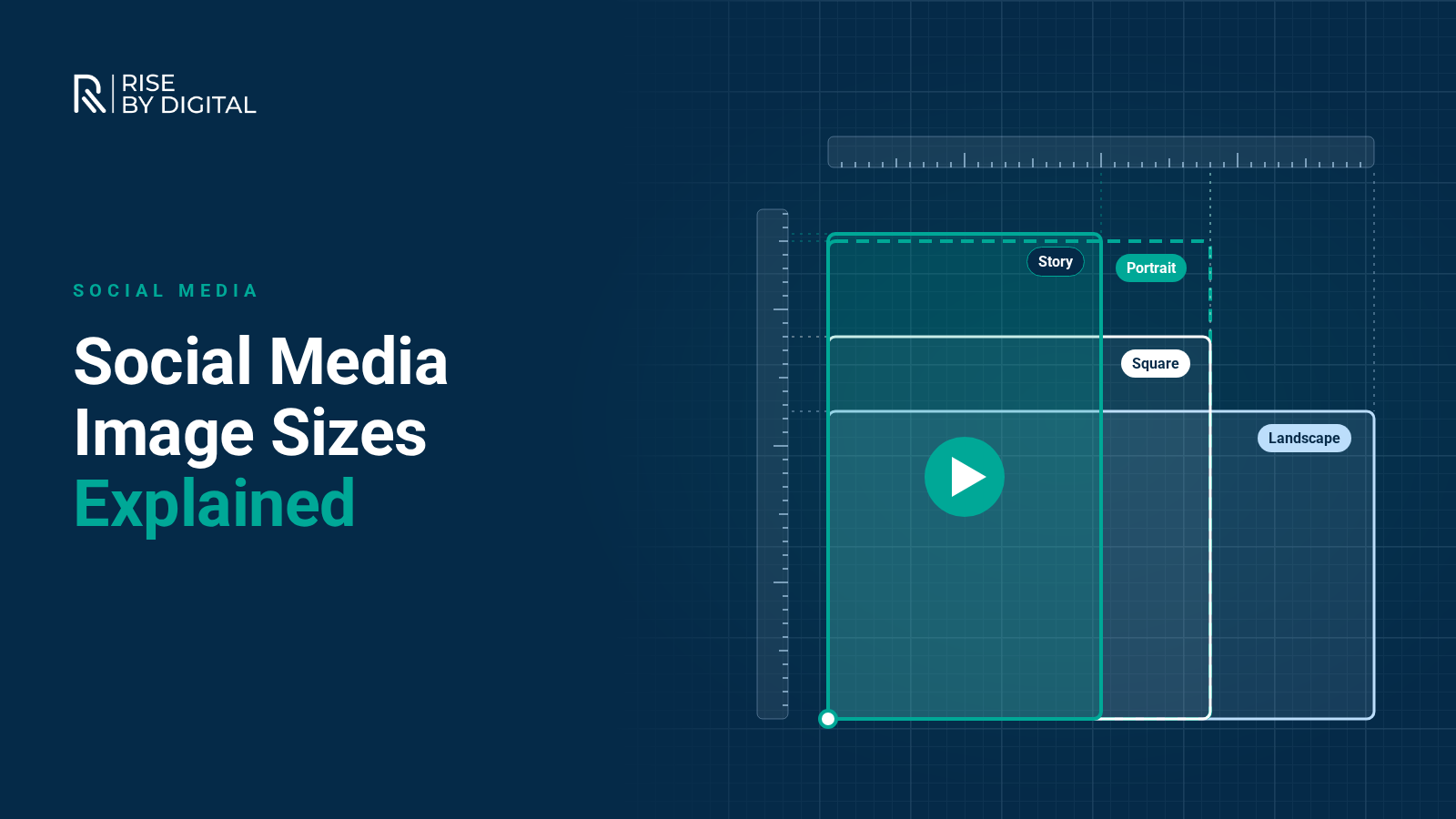
Recommended image sizes for Facebook, Instagram, LinkedIn, X, YouTube and TikTok, taken from each platform's own guidance, with tips for images that display well everywhere.
Using the right image size on each social platform makes the difference between a profile that looks professional and one where logos are cropped, text is cut off and photos look blurry. The problem is that every platform has its own dimensions, and they change from time to time.
This guide lists the current recommended sizes for the main platforms, taken from each platform's own help pages where they publish them, along with tips for making your images work everywhere.
All sizes are in pixels, width by height.
From Facebook's help page on Page images:
- Profile picture: displays at 320 x 320 and is cropped to a circle, so keep logos and faces away from the corners.
- Cover photo: loads fastest as an sRGB JPG of 851 x 315 that is under 100KB. The minimum size is 400 x 150. The cover is cropped differently on mobile and desktop, so keep important content near the centre.
For feed images, Meta's ads guide recommends a 4:5 portrait image at 1440 x 1800, with a minimum width of 600. Portrait images take up more space in the mobile feed than landscape ones, which is why many brands now use 4:5 for organic posts too.
- Feed posts: Instagram's help centre says photos should be at least 1080 pixels wide, with an aspect ratio between 1.91:1 (landscape) and 3:4 (portrait). Since 2025, Instagram supports native 3:4 portrait uploads at 1080 x 1440, and the profile grid now shows taller, portrait thumbnails rather than squares.
- Stories and Reels: full-screen vertical 9:16. For Stories ads, Meta recommends 1440 x 2560.
- Profile picture: square, displayed as a circle. Use a simple, recognisable logo or photo that still works when shown very small.
For Stories, keep text, logos and buttons out of the top 14% and bottom 35% of the frame, and away from the outer 6% on each side, so they are not covered by the profile name, reply bar or call-to-action button.
From LinkedIn's help centre for Company Pages:
- Page logo: 400 x 400 recommended (minimum 268 x 268).
- Page cover image: 1512 x 256.
- Life tab main image: 1128 x 376.
- Link post image: 1200 x 627 (a 1.91:1 ratio).
You will see other cover image sizes quoted on third-party websites. If in doubt, check LinkedIn's own guidance, as these sizes change more often than most.
X (formerly Twitter)
From X's help centre:
- Profile photo: 400 x 400, as a JPG, GIF or PNG under 2MB.
- Header image: 1500 x 500.
YouTube
- Video thumbnail: 16:9. YouTube's help centre currently recommends uploading at up to 3840 x 2160, with a minimum width of 640. The file limit is 2MB when uploading on mobile and 50MB on desktop.
- Channel banner: at least 2048 x 1152. Keep logos and text within the central safe area of 1235 x 338, because that is the part shown on every device.
- Shorts: vertical 9:16.
TikTok
- Videos and in-feed ads: vertical 9:16. TikTok's ads guidance asks for at least 540 x 960 for in-feed ads, but higher resolution looks better.
- Keep captions and key visuals away from the edges and the bottom of the screen, where the caption, buttons and profile details sit. TikTok provides safe-zone templates in its Ads Manager help centre.
Tips for images that work everywhere
Design for the crop
Many platforms crop images differently on mobile and desktop, or show a square or circle version in some places. Keep the important parts of an image, such as faces, logos and text, near the centre.
Use the right ratio, not just the right size
Aspect ratio matters more than exact pixel dimensions. A 4:5 image at 1080 x 1350 and one at 1440 x 1800 will display the same way. The key ratios to remember are:
- 1:1 square
- 4:5 or 3:4 portrait for feeds
- 9:16 full-screen vertical for Stories, Reels, Shorts and TikTok
- 16:9 landscape for YouTube and video
- 1.91:1 for link previews
Keep text to a minimum
Images with lots of text are hard to read on a phone and are often covered by platform buttons. Put the detail in the caption instead.
Export at good quality
Upload at the recommended size or larger, in sRGB colour, and check how images look on a phone before publishing. Most platforms compress images, so starting with a sharp file helps.
Use templates
Design tools such as Canva and Adobe Express have templates set to the correct dimensions for each platform. Set them up once with your brand fonts and colours and you will save time on every post.
Add alt text
Facebook, Instagram, LinkedIn and X all let you add alt text to images, which describes them for people using screen readers. It takes a few seconds and makes your content accessible to more people.
Keep an eye on changes
Platforms update their layouts regularly, and image sizes change with them. Instagram's move to taller portrait posts in 2025 is a recent example. It is worth checking each platform's help centre once or twice a year, or whenever an image suddenly looks wrong.
If you would rather leave the design and sizing to someone else, our content creation team produces graphics, photos and video sized correctly for every platform.