
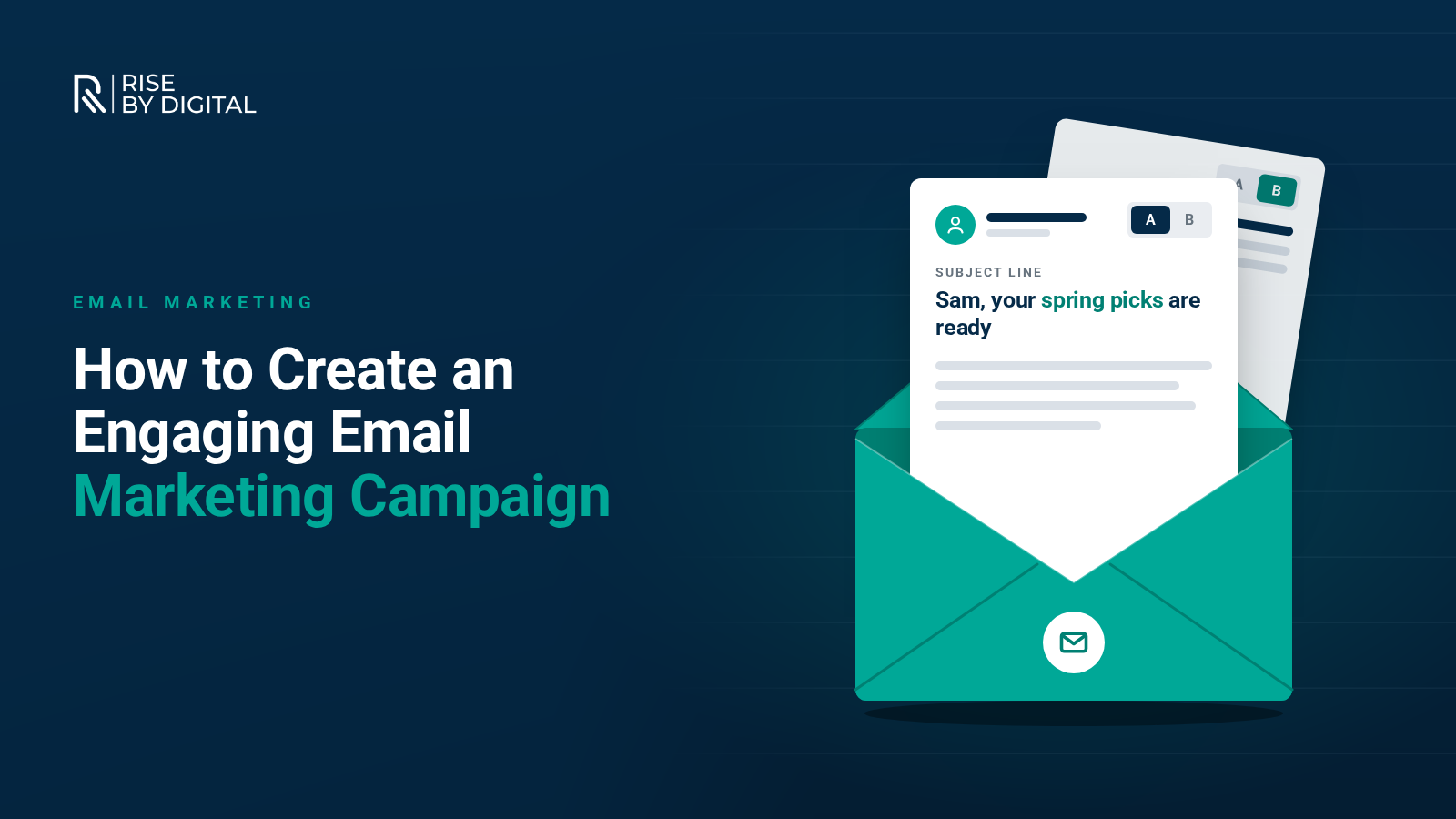
A practical guide to planning email campaigns that people open and act on, covering UK consent rules, sender authentication, segmentation, subject lines, automation and measuring results.
Email is still one of the few marketing channels you fully own. Nobody can change an algorithm and take your subscribers away, and a well-planned campaign can reach people who have already put their hands up and said they want to hear from you.
The catch is that inboxes are crowded and the rules have tightened. Gmail, Yahoo and Microsoft now expect senders to prove who they are, and UK law sets out who you can email in the first place. This guide walks through how to plan, write and send a campaign that people actually open, read and act on.
Start with one clear goal
Every campaign should have a single job. Decide what you want the reader to do before you write a word:
- Book a call or request a quote
- Buy a product or use an offer
- Read a new guide or case study
- Register for an event
- Come back after a period of inactivity
One goal keeps the email focused and gives you something meaningful to measure. If you try to promote five things at once, readers tend to click none of them.
Build your list the right way
In the UK, marketing emails are covered by the Privacy and Electronic Communications Regulations (PECR). The ICO's guidance on electronic mail marketing explains the basics:
- Individuals (including sole traders and some partnerships) need to have given consent, unless the "soft opt-in" applies.
- The soft opt-in covers existing customers who bought, or negotiated to buy, something from you, as long as you are marketing similar products and gave them a simple way to opt out when you collected their details and in every message since.
- Corporate subscribers, such as an employee's address at a limited company, can be emailed without prior consent, but you must still identify yourself and offer an easy way to unsubscribe.
The stakes went up in 2026. Under the Data (Use and Access) Act, the ICO can now fine organisations up to £17.5 million or 4% of global turnover for PECR breaches. Never buy email lists, keep a record of how each person signed up and honour unsubscribes promptly.
Get the technical basics right
Since February 2024, Google's email sender guidelines have required everyone sending to Gmail addresses to authenticate their mail. Yahoo introduced similar rules at the same time, and Microsoft followed in May 2025 for high-volume senders to Outlook.com, Hotmail and Live addresses.
In practice, that means:
- SPF and DKIM records set up for the domain you send from, so mailbox providers can confirm your emails are genuine.
- A DMARC record if you send in volume. Google and Microsoft require it for senders of 5,000 or more messages a day, and Yahoo expects it from bulk senders.
- One-click unsubscribe in marketing emails, plus a clear unsubscribe link in the message itself.
- A low spam complaint rate. Google asks senders to stay below 0.3% and recommends keeping it under 0.1%.
Most reputable email platforms, such as Mailchimp, Klaviyo or Brevo, will walk you through authenticating your domain. It is a one-off job, and without it your carefully written campaign may never reach the inbox.
Segment your audience
Sending the same message to everyone is the quickest way to lose subscribers. Group your list by what you know about people, for example:
- Customers versus prospects
- What they bought or enquired about
- Location, if you serve particular areas
- How recently they opened or clicked
Even two or three segments make a difference. A returning customer and someone who downloaded a guide last week need different messages.
Write subject lines that earn the open
The subject line and preview text decide whether the email gets read. A few principles that hold up:
- Be specific. "Three ways to cut your heating bills this winter" beats "Our October newsletter".
- Keep it short enough to read on a phone screen.
- Use the preview text to add context rather than repeating the subject.
- Avoid tricks such as fake "Re:" prefixes or misleading urgency. They damage trust and can increase complaints.
Personalisation can help, but only when it is useful. A first name is fine; a subject line that clearly reflects what someone was interested in is better.
Make the content worth reading
Once someone opens your email, it needs to deliver on the subject line quickly.
Keep it scannable
Most people skim. Use a clear headline, short paragraphs and one main call to action. If you need a second link, make it obviously secondary.
Design for mobile first
A large share of emails are read on phones, so use a single-column layout, a readable font size and buttons that are easy to tap. Always send a test to yourself on a phone before the campaign goes out.
Write like a person
Emails from a named person, written in a natural voice, usually feel more personal than corporate announcements. Tell readers why the email matters to them, not just what you want to say.
Make it accessible
Add alt text to images, keep enough contrast between text and background, and do not put important information only inside an image. Some email apps block images by default.
Automate the emails that matter most
Some of the most effective emails are triggered by something the subscriber does rather than sent as a one-off blast. Common examples include:
- A welcome series for new subscribers
- Abandoned basket reminders for online shops
- Follow-ups after an enquiry or purchase
- Re-engagement emails for people who have stopped opening
Set these up once, review them every few months and they keep working in the background.
Test, measure and improve
Choose one variable at a time to A/B test, such as the subject line, the call to action or the send time, and give each test a large enough audience to be meaningful.
Be careful with open rates. Apple's Mail Privacy Protection loads email content in the background, which can make emails look opened when they were not, so open rates are no longer a reliable measure on their own. Focus on:
- Click-through rate, which shows whether the content prompted action
- Conversions, such as enquiries, bookings or sales from the email
- Unsubscribe and complaint rates, which tell you if you are sending too often or to the wrong people
- List growth, so you know you are replacing the subscribers you naturally lose
Keep your list healthy
Remove addresses that bounce, and periodically run a re-engagement campaign for people who have not clicked in a long time. If they still do not respond, take them off your list. A smaller, engaged list will deliver better results and protect your sender reputation.
Bringing it together
A good email campaign comes down to a clear goal, a permission-based list, solid technical setup and content that respects the reader's time. Get those right and email can become one of the most dependable channels in your marketing.
If you would like help planning campaigns, setting up automation or getting your domain authenticated properly, our email marketing team can help.