
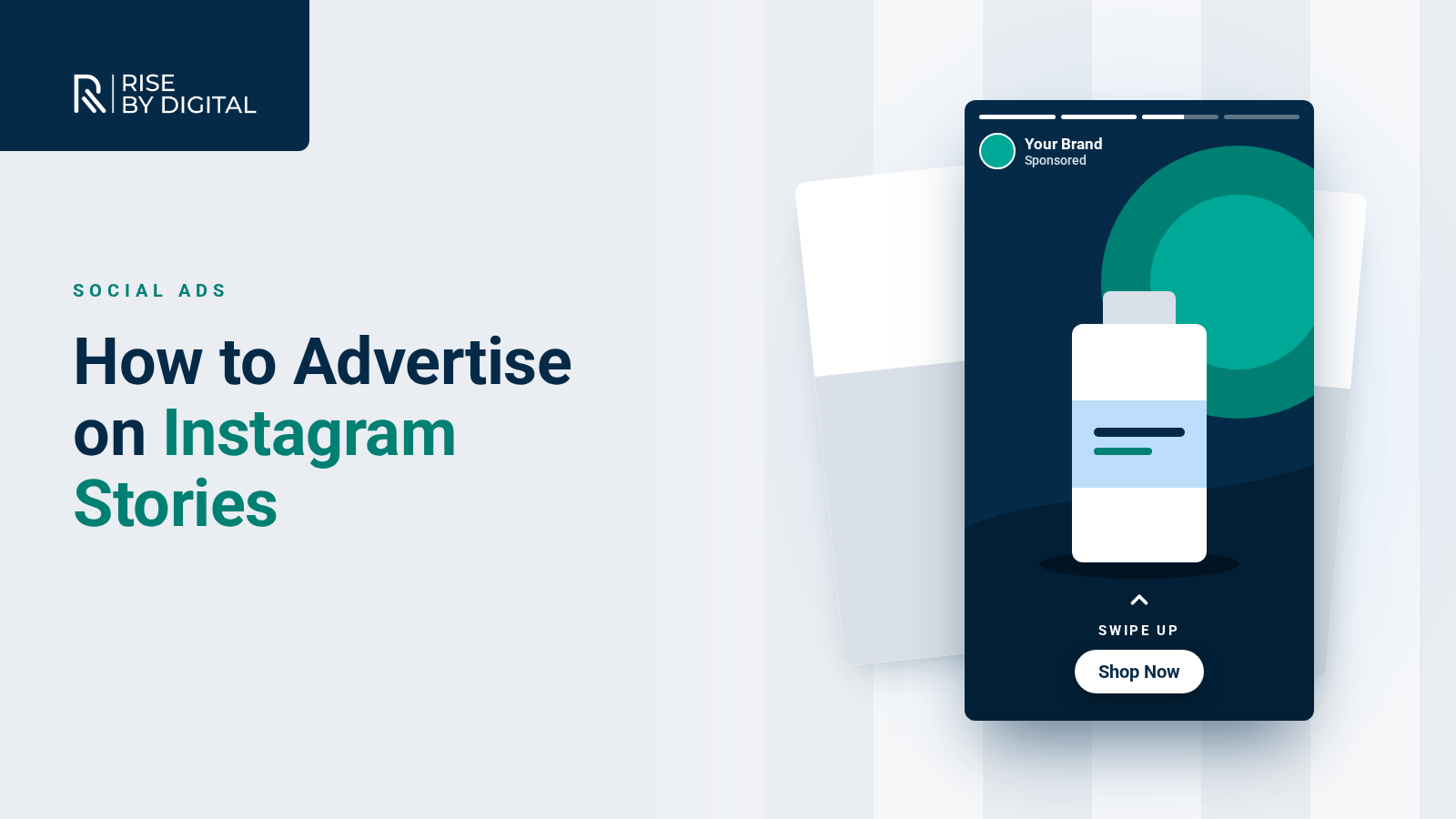
How Instagram Stories ads work, how to set them up in Meta Ads Manager and how to create vertical ads that stop people tapping past.
Instagram Stories are full-screen, vertical and quick to tap through. Ads that appear between them feel native to the experience, which makes Stories one of the most effective places to grab attention on a phone screen, as long as your ad is designed for the format.
This guide explains how Instagram Stories ads work, how to set them up in Meta Ads Manager and how to create ads that people do not skip straight past.
How Instagram Stories ads work
Stories ads appear between the Stories of accounts people follow. They take up the whole screen, are labelled "Sponsored" and usually include a call-to-action button such as Learn more, Shop now or Sign up that opens your website or another destination.
You can use:
- Single images, which Meta displays for a few seconds each
- Videos, ideally short and vertical
- Carousels, which let people tap through several images or videos in one ad
Stories ads are created in Meta Ads Manager, the same tool used for Facebook ads. You can choose to show an ad only in Instagram Stories, or let Meta place it across Facebook and Instagram, including Stories and Reels.
Before you start
You need:
- An Instagram professional account (business or creator)
- A Facebook Page connected to your Instagram account
- A Meta ad account with a payment method, ideally managed through a business portfolio
If you have not set these up yet, our guides to setting up Meta Business Suite and setting up a Facebook ads account take you through it.
Step-by-step: creating a Stories ad
- Open Ads Manager and select Create.
- Choose your objective, for example awareness, traffic, engagement, leads or sales. Pick the one that matches what you want people to do.
- Set your budget and schedule at campaign or ad set level.
- Define your audience by location, age, interests and behaviours, or use custom audiences such as website visitors and people who have engaged with your Instagram account.
- Choose placements. Advantage+ placements let Meta show your ad wherever it is likely to perform best. To run only in Stories, choose Manual placements and select Instagram Stories. Many advertisers include Facebook Stories and Reels too, because the vertical format works in all three.
- Create your ad. Select your Facebook Page and Instagram account, upload your creative, add your text and choose a call-to-action button and destination.
- Preview how the ad will look in Stories, then publish.
Your ad will be reviewed against Meta's Advertising Standards before it runs. Most ads are reviewed within 24 hours.
Get the format right
Meta's ads guide recommends vertical 9:16 images and videos for Stories, at 1440 x 2560 pixels.
Keep the most important parts of your ad clear of the edges. Meta advises leaving roughly the top 14% and the bottom 35% of the frame free of text, logos and key details, along with about 6% on each side. These areas can be covered by your profile name, the reply bar and the call-to-action button.
For a full list of current dimensions, see our guide to social media image sizes.
Creating Stories ads that work
Hook people in the first moments
Stories are tapped through quickly. Show your product, your offer or something visually striking straight away rather than building up to it. Instagram's own advice for video creators is to hook viewers in the first three seconds.
Design for sound off
Many people watch Stories without sound. Add captions or on-screen text so your message works on mute, while still using sound to add impact for those who listen.
Make it feel native
Ads that look like organic Stories, filmed on a phone, with real people, text overlays and a natural feel, often perform better than polished TV-style adverts. Showing a real person using your product or explaining your service can be very effective.
Keep the message simple
One message and one call to action per ad. If you have several products or messages, test them as separate ads or use a carousel.
Make the call to action obvious
Tell people exactly what to do and why: "Book your free consultation" or "Shop the new range". Make sure the landing page delivers on the promise, loads quickly and works well on a phone.
Use brand assets consistently
Your logo, colours and fonts help people recognise your business, but keep them subtle. A small logo in a safe area is enough.
Testing and measuring
Run two or three versions of your ad with different images, videos or opening lines, and let Ads Manager show you which performs best. Look at:
- Cost per result, such as cost per lead or purchase
- Click-through rate to your website
- Video retention, to see how long people watch
- Conversions, tracked through the Meta Pixel and Conversions API
Make sure your tracking is set up before you launch, so you can see which ads lead to enquiries or sales, not just clicks.
Organic Stories help too
Ads work better when your profile looks active and credible. Many people tap through to your account after seeing an ad. Regular organic Stories, with features such as polls, questions and link stickers, keep your existing followers engaged and give new visitors a reason to follow you.
Need a hand?
Stories ads can deliver strong results, but they need good creative, sensible targeting and regular testing. Our social ads team can plan, create and manage your Instagram and Facebook campaigns.