
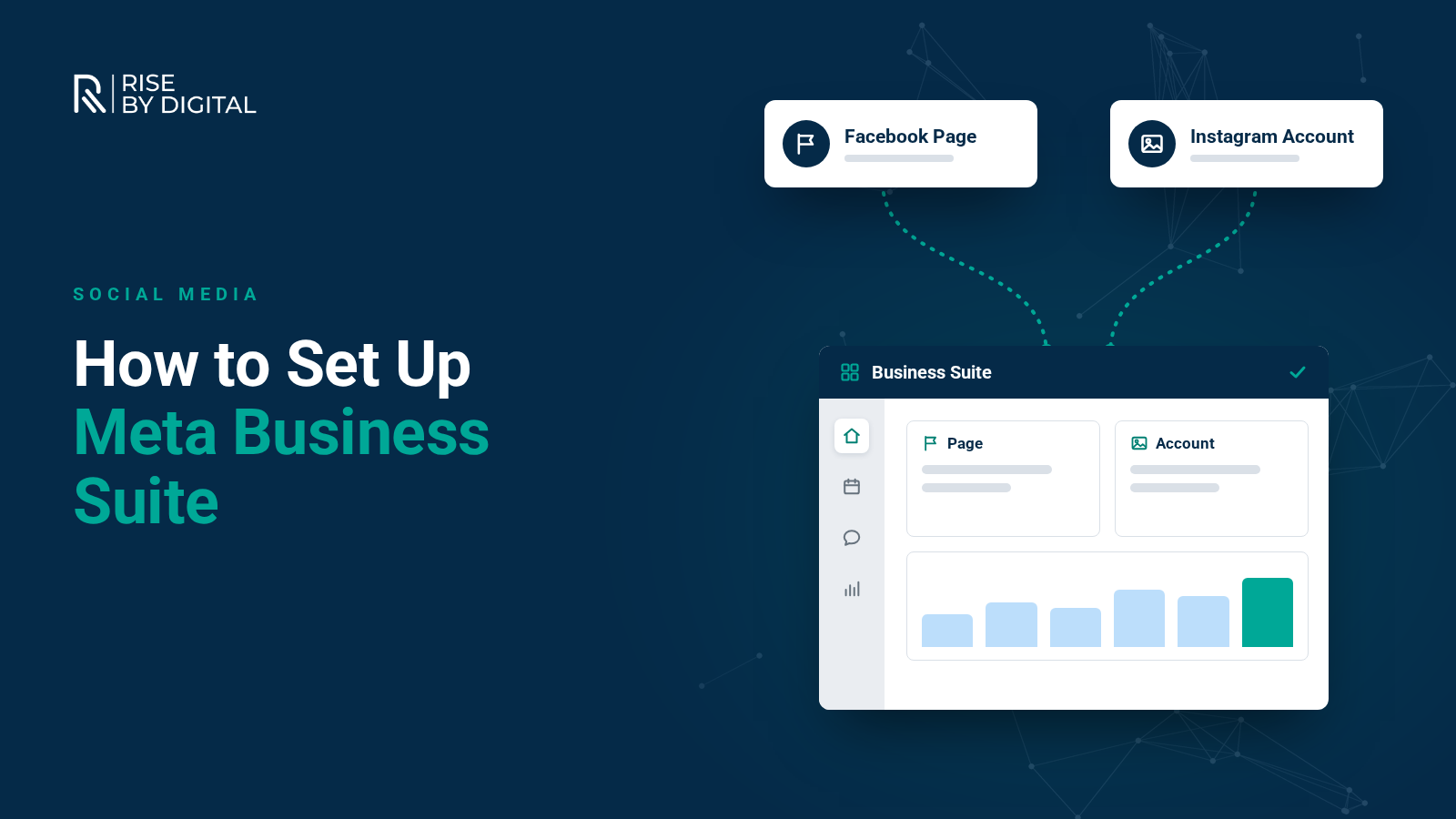
Meta Business Suite is a free tool for managing Facebook and Instagram in one place. Here is how to set it up and the features worth using from day one.
If you manage a Facebook Page and an Instagram account for your business, switching between apps to post, reply to messages and check results soon becomes time-consuming. Meta Business Suite brings these tasks together in one place, and it is free to use.
This guide explains what Meta Business Suite does, how to set it up and the features worth using from day one.
What is Meta Business Suite?
Meta Business Suite is Meta's free tool for managing your business presence across Facebook, Instagram and, increasingly, Threads and WhatsApp. It is available on desktop at business.facebook.com and as a mobile app.
It brings together:
- Planner: create, schedule and manage posts and Stories for Facebook and Instagram
- Inbox: reply to Facebook and Instagram messages and comments in one place
- Insights: see how your content and accounts are performing
- Ads: create and track simple ads, with links through to Ads Manager for more advanced campaigns
- Settings: manage your business portfolio, the people who have access and your connected accounts
Meta Business Suite only manages Meta's own platforms. It does not connect to LinkedIn, X, TikTok or YouTube. If you need to manage those too, you will need a third-party scheduling tool.
Meta Business Suite vs business portfolio
You will see two terms used:
- Meta Business Suite is the tool you use day to day for posting, messaging and insights.
- A business portfolio (previously called Business Manager) is the account structure behind it, which owns your Pages, Instagram accounts, ad accounts and pixels, and controls who can access them.
When you set up Business Suite, you will usually create a business portfolio at the same time.
What you need
- A personal Facebook profile to log in with
- A Facebook Page for your business
- An Instagram professional account, if you use Instagram for business
Step-by-step setup
1. Log in
Go to business.facebook.com, or download the Meta Business Suite app, and log in with the Facebook profile that manages your business Page.
2. Create or select your business portfolio
If you have not used Meta's business tools before, you will be prompted to create a business portfolio. Enter your business name, your name and a business email address. If you already have one, select it.
3. Add your Facebook Page
Add the Page you want to manage. If your Page is already managed by another business portfolio, such as an agency's, you may need to request access or ask them to transfer it.
4. Connect Instagram
In Settings, choose to connect your Instagram account and log in to it. Your Instagram account needs to be a professional (business or creator) account. Once connected, you can schedule Instagram posts, reply to Instagram messages and see Instagram insights in Business Suite.
5. Add people
Under Settings and then People, invite colleagues and choose what they can access. If you work with an agency, add them as a partner using their business portfolio ID so they can access what they need while you keep ownership.
Keep at least two trusted admins on your business portfolio, so you are never locked out if someone leaves.
6. Secure your account
Turn on two-factor authentication for everyone with access. Business accounts are a common target for scams, including fake messages claiming your Page will be deleted. Review who has access to your business portfolio regularly and remove anyone who no longer needs it.
Features worth using
Plan and schedule content
Use the Planner to see your posts on a calendar, schedule them in advance and post to Facebook and Instagram at the same time. Scheduling a week or a month ahead saves time and keeps your posting consistent.
Manage messages and comments in one place
The Inbox shows Facebook and Instagram messages and comments together. You can set up automated responses for common questions, an instant greeting, and an away message for when you are unavailable.
Use insights to improve
Insights show reach, engagement, follower growth and audience information. Look at which posts reach the most people and get the most engagement, and use that to plan future content.
Boost posts and create simple ads
You can boost posts or create basic ads directly from Business Suite. For more control over objectives, audiences and tracking, use Ads Manager. Our guide to setting up a Facebook ads account explains how.
Tips for getting the most out of Business Suite
- Plan a content calendar for the month ahead, then schedule it in one sitting.
- Tailor posts for each platform. You can post to both at once, but captions, hashtags and formats often work better when adjusted for Facebook and Instagram separately.
- Check the Inbox daily. Quick replies build trust and can win business.
- Review insights monthly and adjust your content based on what works.
- Use the mobile app to reply to messages when you are away from your desk.
Need help with your social media?
Meta Business Suite makes managing Facebook and Instagram much easier, but it still takes time to plan, create and publish good content. If you would rather hand it over, our social media management service covers strategy, content, scheduling, community management and reporting.