
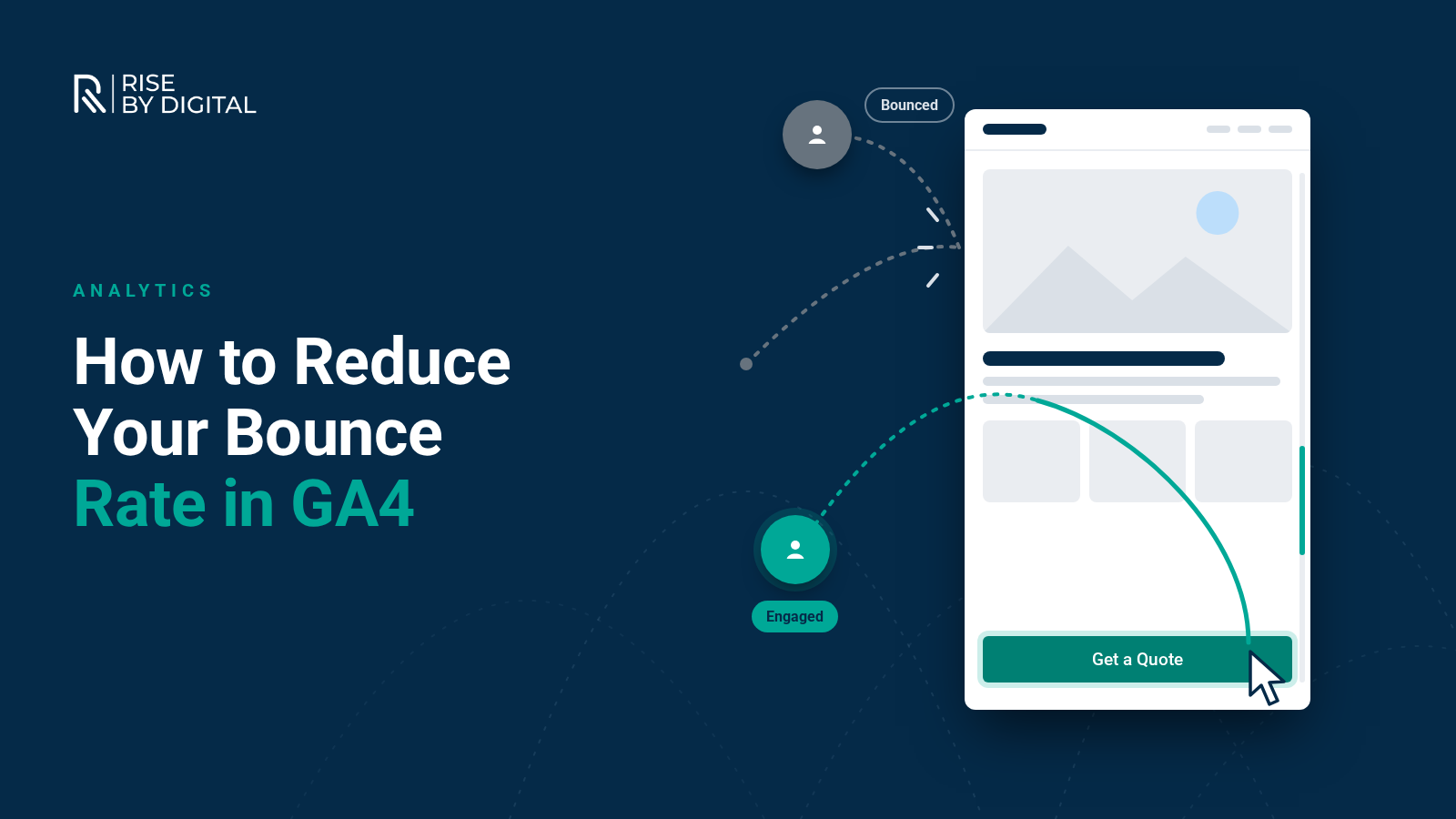
What bounce rate means in GA4, when a high figure is a real problem, how to find it in your reports and eight practical ways to keep more visitors engaged.
Bounce rate is one of the most quoted and most misunderstood numbers in web analytics. It is also one that changed meaning when Google Analytics 4 replaced Universal Analytics, which means plenty of advice online, including the 2022 version of this article, is now out of date.
This guide explains what bounce rate means in GA4, when a high figure is a real problem, how to find the pages that need attention and practical ways to keep more visitors engaged.
What is bounce rate in GA4?
In Universal Analytics, a bounce was a single-page visit. Universal Analytics stopped processing data in July 2023, and GA4 uses a different approach based on engagement.
Google defines an engaged session as one that meets any of these criteria:
- Lasts longer than 10 seconds
- Includes a key event, such as a form submission or purchase
- Includes 2 or more page or screen views
Engagement rate is the percentage of sessions that were engaged. Bounce rate is simply the opposite: the percentage of sessions that were not engaged.
That change matters. Under the old definition, someone who spent five minutes reading a blog post and then left counted as a bounce. In GA4, that visit counts as engaged, because it lasted longer than 10 seconds. GA4 bounce rates therefore tend to reflect genuine disengagement more closely.
Does bounce rate affect your Google rankings?
Our original article said bounce rate could be used as a Google ranking factor. We have removed that claim because we could find no Google documentation to support it. Google's published guidance focuses on helpful, people-first content and page experience, not on metrics from your Analytics account.
Bounce rate is still worth watching, but as a signal about your visitors' experience, not as an SEO lever.
Is a high bounce rate bad?
It depends on the page and what you want people to do.
- Service and product pages: a high bounce rate usually means something is wrong, such as a mismatch with what people searched for, a slow page or an unclear next step.
- Landing pages for ads: high bounce rates often point to a gap between the ad and the page, which also wastes ad spend.
- Contact pages: someone might tap your phone number within seconds and leave. If you track phone clicks as a key event, that visit counts as engaged. If not, it looks like a bounce.
- Blog posts and guides: visitors who read for more than 10 seconds count as engaged, so a high bounce rate here suggests people are leaving very quickly.
There is no universal "good" bounce rate. Compare pages with similar purposes on your own site, and compare each page with its own history.
How to find bounce rate in GA4
Google notes that most GA4 reports do not show bounce rate by default. To add it:
- Open a report such as Pages and screens or Landing page.
- Use the option to customise the report (the pencil icon).
- Add Bounce rate and Engagement rate as metrics, then apply and save.
Then segment the data. Look at bounce rate by landing page, traffic source and device. Problems often sit in one place, such as mobile visitors from a particular ad campaign.
Read it alongside other numbers
Bounce rate on its own can mislead. Look at it next to average engagement time, the number of key events and the conversion rate for the same page. A guide with a high bounce rate but long engagement time from those who stay may be doing its job well. A service page with a low bounce rate but almost no enquiries is a bigger worry. The aim is not a lower number for its own sake; it is more of the right visitors taking the next step.
Eight ways to reduce your bounce rate
1. Match the page to the search or ad
The most common cause of bounces is a promise the page does not keep. Check that your page titles, meta descriptions and ads describe exactly what the page offers. If you run Google Ads, send each ad group to the most relevant page rather than your homepage. Our guide to setting up a Google Ads campaign covers this.
2. Make the page fast
Slow pages lose people before they see anything. Check your Core Web Vitals and fix the biggest issues first. Our website speed guide explains how.
3. Answer the main question straight away
Put the key information near the top of the page: what you do, who it is for, where you work, and how to get in touch. Visitors should not have to scroll to work out whether they are in the right place.
4. Give a clear next step
Every page should make the next action obvious, whether that is "Get a quote", "Call us" or "Read the full guide". One primary call to action works better than several competing ones.
5. Simplify navigation
Keep menus short, label them in plain language and make sure your search works if you have one. Consistent navigation across the site helps visitors explore rather than leave.
6. Add helpful internal links
Link to related services, case studies and guides where they genuinely help the reader. A visitor who moves to a second page is, by definition, engaged.
7. Avoid intrusive pop-ups
Pop-ups that cover the content as soon as someone arrives are a common reason for instant exits, especially on mobile. Google's guidance on interstitials and dialogs explains which types make content less accessible. Use banners that take up a reasonable amount of space, and delay any offers until someone has had a chance to read.
8. Design for mobile first
Check your key pages on a real phone. Text should be easy to read without zooming, buttons should be easy to tap and forms should be short.
Make sure you are measuring the right things
Sometimes a "high bounce rate" is really a tracking gap. Before you redesign anything, check that GA4 records the actions that matter as key events, such as form submissions, phone number clicks, email clicks, bookings and purchases. Also make sure your cookie consent set-up works properly, as covered in our guide to cookie consent and Google Analytics in the UK.
Bounce rate checklist
- Bounce rate and engagement rate added to your GA4 reports
- Data segmented by landing page, source and device
- Phone clicks, form submissions and other key events tracked
- Page titles, descriptions and ads matched to page content
- Core Web Vitals checked on your main landing pages
- Key information and a clear call to action near the top
- Intrusive pop-ups removed or delayed
- Mobile experience tested on real devices
- Changes reviewed against the same page's history, not industry averages
When to get a second opinion
If visitors arrive but do not engage, the problem is usually a mix of content, design and expectations, and it can be hard to see on your own site. Our UX and conversion rate optimisation reviews look at real user behaviour and highlight what to fix first. You may also find our guide to why website visitors are not converting useful. To talk it through, book an initial discovery call with our team.