
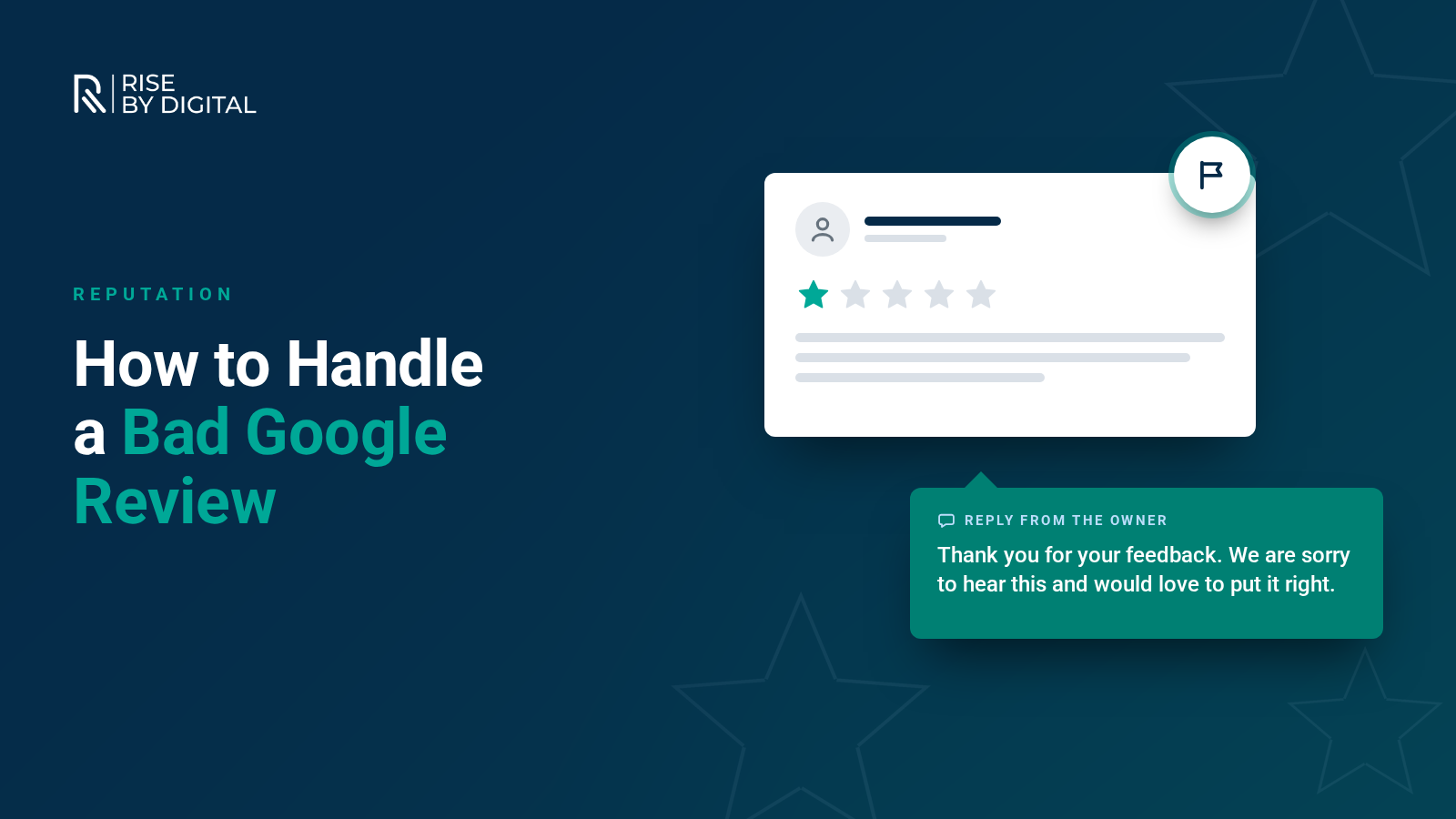
Google only removes reviews that break its policies. Here is how to report and appeal them, what not to do and how to respond to the negative reviews that stay.
A negative Google review can feel personal, especially when you run a small business and care about every customer. The first instinct is often to get it taken down as quickly as possible.
The reality is that Google will only remove reviews that break its policies. A genuine customer sharing a bad experience is allowed to say so, even if you disagree with them. This guide explains when a review can be removed, how to report it and how to respond to the reviews that stay.
When can a Google review be removed?
Google removes reviews that break its Maps user contributed content policy. Reviews are likely to qualify for removal if they include:
- Fake engagement: reviews that are not based on a real experience, including those posted by competitors, bots or people paid to write them
- Off-topic content: rants about politics, social issues or anything unrelated to the business
- Conflicts of interest: reviews written by owners, employees, former employees or competitors
- Harassment, hate speech or offensive content, including bullying or threats
- Personal information, such as someone's phone number or address
- Sexually explicit content, profanity or illegal content
- Impersonation of another person or organisation
If a review is simply negative, unfair or one-sided, but describes a real experience, Google will usually leave it up. Google is also clear that it does not get involved in disputes between businesses and customers about what happened.
How to report a review that breaks the rules
Google's help article on managing customer reviews sets out two ways to report a review.
From your Business Profile
- Sign in to Google and search for your business name to open your Business Profile.
- Select Read reviews.
- Find the review, select the three dots next to it and choose Report review.
- Pick the reason that best describes the policy breach.
Through the Reviews Management Tool
Google's Reviews Management Tool lets you report reviews and check their status in one place. You will see one of the following:
- Decision pending: Google is still looking at the report. This can take several days.
- Report reviewed - no policy violation: Google has decided the review does not break its rules.
- Escalated: the review has been passed on for further assessment.
If Google decides a review does not break its policies, you can submit a one-time appeal through the same tool, covering up to ten reviews. Include clear evidence of why the review breaks a specific policy.
If someone is threatening you
Google also has a dedicated route for reporting extortion, where someone posts or threatens to post negative reviews unless you pay or provide something. Use this rather than engaging with the person.
What not to do
It is tempting to try to drown out a bad review or pressure the customer into removing it. Avoid:
- Asking friends, family or staff to report the review. Multiple reports do not make Google more likely to remove a review that follows the rules.
- Buying reviews or offering incentives for positive reviews. This breaks Google's policies. In the UK, the Digital Markets, Competition and Consumers Act 2024 has also, since 6 April 2025, banned fake reviews and concealed incentivised reviews. The Competition and Markets Authority's guidance on fake reviews explains what businesses must do.
- Review gating: only asking happy customers for reviews, or discouraging unhappy ones. Google prohibits this.
- Arguing in public. An angry reply often does more damage than the review itself.
How to respond to a negative review
Most negative reviews will stay up, so your response matters. Potential customers often read your replies as closely as the reviews themselves. A calm, professional response shows how you treat people when things go wrong.
A simple approach
- Respond promptly. A reply within a day or two shows you take feedback seriously.
- Thank them and acknowledge the issue. Even if you disagree, recognise that they were unhappy.
- Apologise where appropriate, without being defensive.
- Keep it factual. If something in the review is inaccurate, correct it briefly and politely.
- Take it offline. Invite them to contact you directly so you can resolve the problem.
- Never share personal details about the customer or their order.
An example reply
"Thank you for taking the time to leave feedback, and I am sorry your visit did not meet expectations. That is not the experience we aim to provide. I would like to understand what happened and put it right, so please contact me directly on the number on our profile and ask for [your name]."
If you resolve the issue, the customer may choose to update their review. You can politely let them know that is an option, but do not pressure them.
Build a steady stream of genuine reviews
The best protection against a single bad review is a healthy number of genuine good ones. A business with fifty recent, detailed reviews is barely affected by one negative comment.
- Ask every satisfied customer for a review, by email, text or in person.
- Make it easy with a direct link to your review form, which you can find in your Business Profile.
- Ask all customers, not just the ones you expect to be positive.
- Reply to positive reviews too. It shows you value feedback.
Reviews also contribute to how prominently your business appears in local search. Our guide to local SEO explains how reviews fit alongside your Business Profile, website and citations.
In summary
You can only get a Google review removed if it breaks Google's policies. Report those through your Business Profile or the Reviews Management Tool, with clear reasons and evidence. For every other negative review, a prompt, professional reply and a steady flow of genuine feedback will do far more for your reputation than trying to make it disappear.
If negative reviews are affecting how your business shows up in local search, call us on 01509 357412 and we can talk through how to strengthen your Google Business Profile.