
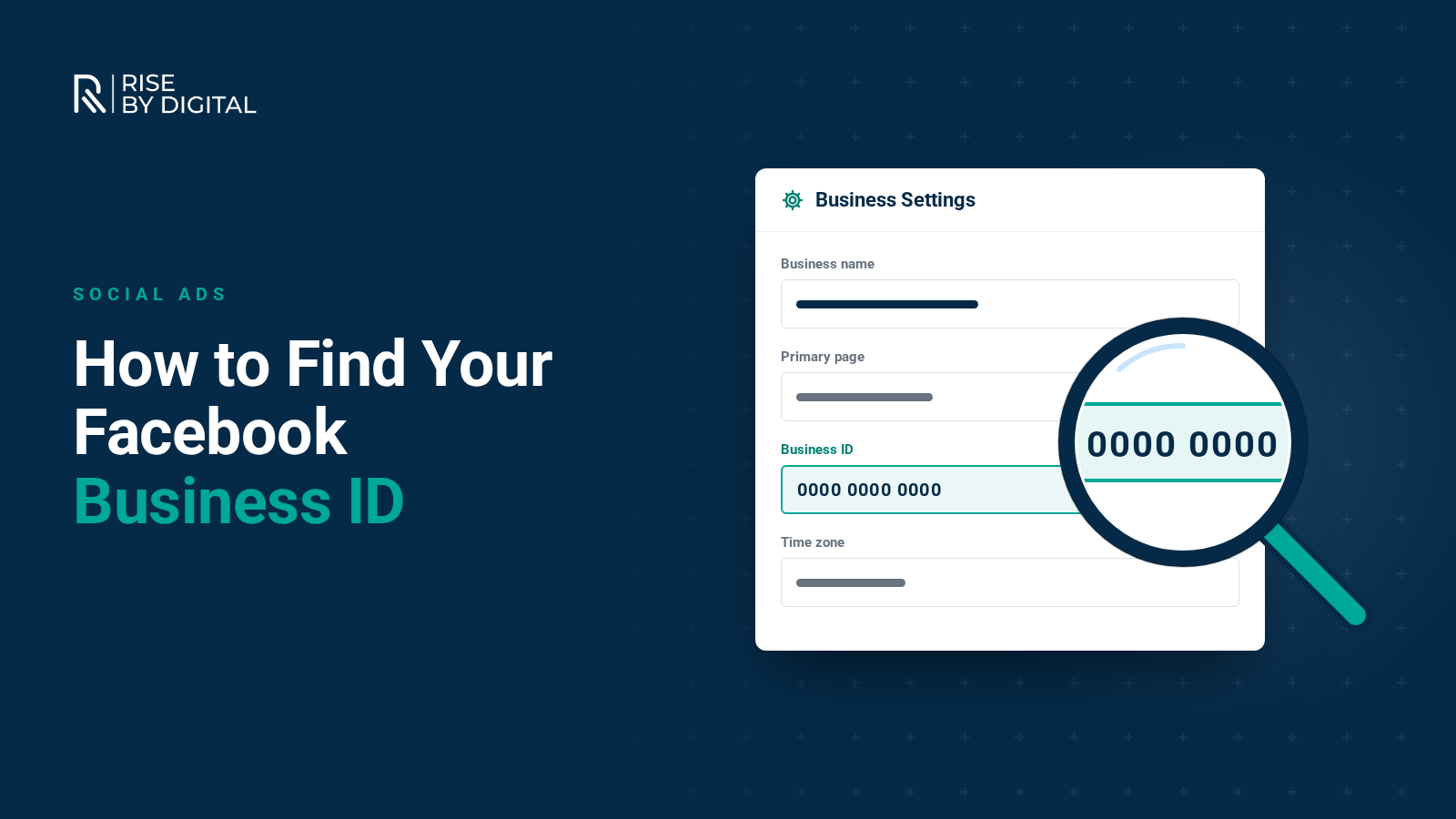
Agencies and partners often ask for your Facebook Page ID, business portfolio ID or ad account ID. Here is where to find each one in Meta Business Suite and Ads Manager.
What is my Facebook ID used for?
When you use Facebook for business, your Page, your business portfolio and each of your ad accounts are given unique ID numbers. You will often need one of these when you give an agency access, add an ad account to your business portfolio, connect a tool or contact Meta support.
There are three IDs people usually mean when they ask for a "Facebook ID":
- Page ID: identifies your Facebook Page
- Business portfolio ID: identifies your business portfolio (previously called Business Manager), which owns your Pages, ad accounts and other assets
- Ad account ID: identifies an individual ad account
Here is how to find each one, using the steps in Meta's current help centre.
How to find your Facebook Page ID
According to Facebook's help centre, on a computer:
- Log in to Facebook and click your profile photo in the top right.
- Click See all profiles, then select the Page you want to switch into.
- Click your Page's name in the left-hand menu to go to it.
- Click your Page's name beneath the cover photo.
- Click Transparency and privacy policy to find your Page ID.
Your Page ID is not a password. It is visible to anyone who knows where to look, and someone cannot take over your Page just by knowing it. What you must protect are your login details, so turn on two-factor authentication for everyone who manages the Page.
How to find your business portfolio ID
Meta's help page on finding your business portfolio ID explains the steps:
- Open Meta Business Suite and go to Settings.
- Select Business portfolio info from the left menu.
- Your business portfolio ID is shown below your business portfolio name.
This is the number an agency will usually ask for when they want to request access to your assets as a partner, or when you want to share access with them.
How to find your ad account ID
Meta's help centre lists two quick ways to find your ad account ID in Ads Manager:
- In the account drop-down menu: go to Meta Ads Manager. Your ad account name and ID number are shown in the drop-down menu at the top of the page.
- In your browser's address bar: when you are in Ads Manager, the number after "act=" in the web address is your ad account ID.
I don't have a business portfolio. How do I create one?
If you do not yet have a business portfolio, you can create one that connects to your Page:
- Go to Meta Business Suite at business.facebook.com and log in with your personal Facebook profile.
- Follow the prompts to create a business portfolio, entering your business name, your name and a business email address.
- Confirm your email address using the link Meta sends you.
- Add your Facebook Page and, if you use it for business, your Instagram account.
Only add Pages and ad accounts that you own. If an agency or another business already manages your Page in their portfolio, ask them to give you access or transfer it.
Our guide to setting up Meta Business Suite covers this in more detail.
I don't have an ad account. How do I set one up?
You get an ad account when you start advertising. New advertisers are limited to one ad account until they have successfully paid for ads, after which more can be created in your business portfolio settings under Accounts and then Ad accounts. Choose your time zone and currency carefully, as they are hard to change later.
See our step-by-step guide to setting up a Facebook ads account.
How do I give people access to my Page or ad account?
To give a colleague access through your business portfolio:
- In Meta Business Suite, go to Settings, then People.
- Click Add people and enter their email address.
- Choose the Pages, ad accounts and other assets they need, and the level of access for each.
- Send the invitation. They will receive an email to accept.
If you work with an agency, add them as a partner using their business portfolio ID instead. This lets them manage your assets using their own team's accounts while you keep ownership.
Why do I need to give access to other people?
Giving access through your business portfolio lets people manage your Page and adverts without you ever sharing your personal Facebook login. It also means you can remove their access at any time. Always keep at least two trusted admins on your business portfolio, so you are not locked out if one person leaves.
If you would like our team to help manage your Facebook Page or adverts, we can guide you through giving us partner access safely.