
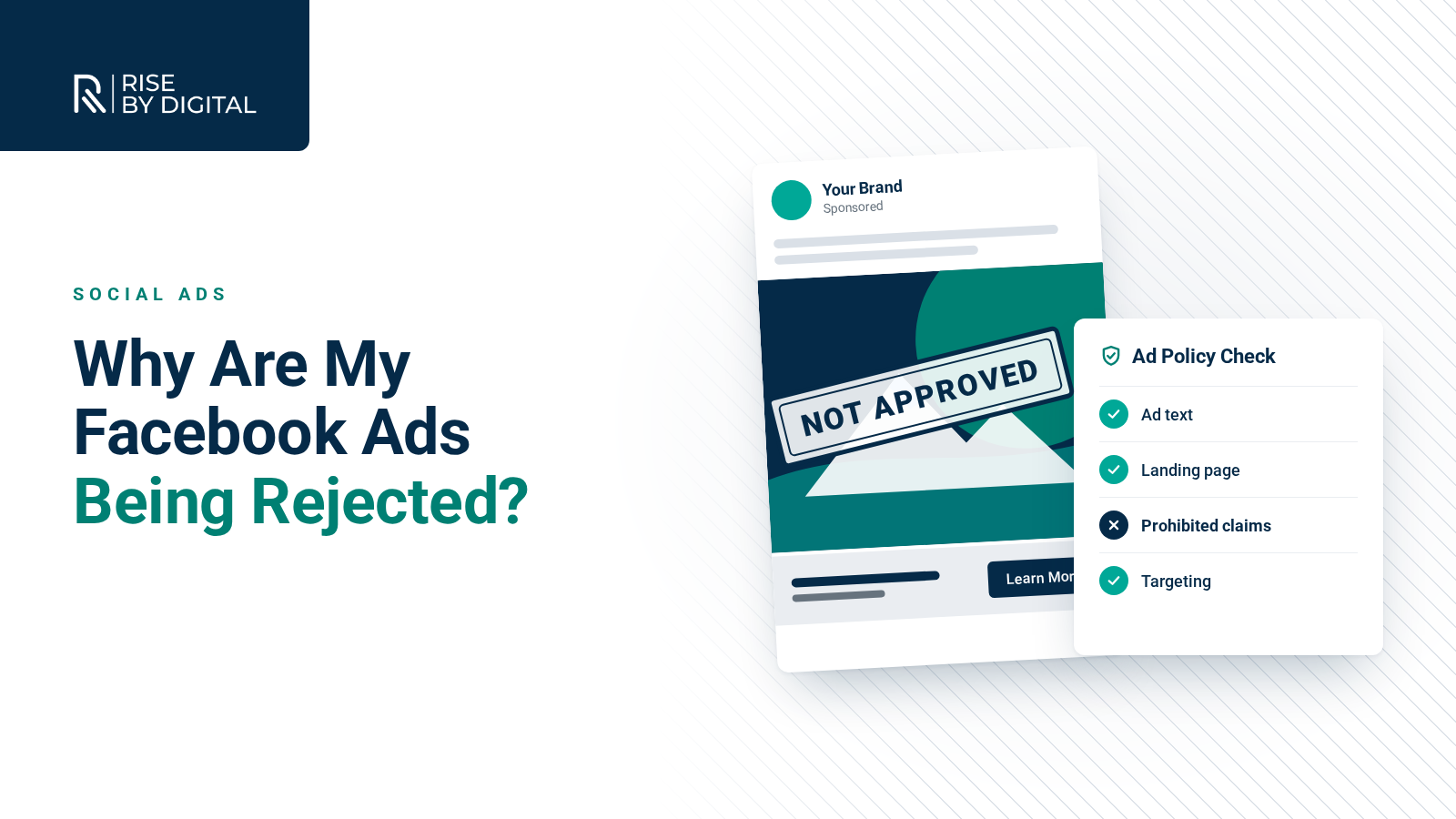
Most Facebook ad rejections have a clear cause. Here are the common reasons, how to edit or appeal a rejected ad in Business Support Home and how to protect your ad account.
Few things are more frustrating than preparing a Facebook ad, hitting publish and receiving a message saying it has been rejected. It can delay a campaign, and repeated rejections can lead to restrictions on your account.
The good news is that most rejections have a clear cause and can be fixed. This guide explains how Meta reviews ads, the most common reasons ads are rejected and what to do when it happens to you.
How Meta reviews ads
Every ad on Facebook, Instagram, Messenger and Meta's other platforms is reviewed against the Meta Advertising Standards. The review looks at the whole ad: the images and video, the text, the targeting and the landing page it links to.
Meta says most ads are reviewed within 24 hours, although it can take longer. Reviews are largely automated, so an ad can sometimes be rejected by mistake. If that happens, you can ask for another review.
Common reasons ads are rejected
Prohibited or restricted products and services
Some products cannot be advertised at all, such as illegal drugs, weapons and certain unsafe supplements. Others are restricted and need extra steps, such as alcohol, gambling, dating, online pharmacies and some financial products. In the UK, for example, Meta requires financial services advertisers to complete verification using their FCA authorisation details.
Personal attributes
Ads must not assert or imply things about a person's personal characteristics, including race, religion, health, sexual orientation, financial status or criminal record. "Struggling with debt?" or "Are you diabetic?" can be rejected because they suggest you know something about the viewer. Rewording to talk about the product rather than the person usually solves this, for example "Our free guide to managing debt".
Misleading or false claims
Exaggerated promises, fake scarcity, unrealistic before-and-after results and misleading prices all break the standards. This is especially strict for health, weight loss and financial products.
Discriminatory practices
Ads must not discriminate against people based on personal characteristics. Housing, employment and credit ads face additional restrictions on targeting in some regions.
Low-quality or disruptive content
Clickbait headlines, sensational language, excessive profanity and ads that lead to a poor landing page experience can all be rejected.
Problems with the landing page
If the page your ad links to does not work, does not match the ad, is under construction or is hard to use on a phone, the ad can be rejected even if the ad itself is fine.
Intellectual property
Using someone else's logo, brand name, music or images without permission can lead to rejection or removal after a complaint.
What to do when an ad is rejected
According to Meta's help centre, you will receive a notification explaining that your ad was rejected, with a link to Business Support Home, which has replaced the old Account Quality tool. There you can see the reason and your options.
Option 1: Edit the ad
If you can see what broke the rules, edit the ad to fix it. When you save your changes, the ad is automatically submitted for review again.
Option 2: Create a new ad
If the issue is fundamental, it may be quicker to build a fresh ad that complies with the standards.
Option 3: Request another review
If you believe the ad follows the rules and was rejected in error, select Request review in Business Support Home or Ads Manager and submit it. Do not delete the rejected ad first, because you may lose the option to request a review.
If a rejection is overturned on review, Meta says it does not count as a violation against your account.
Protecting your ad account
Repeated violations can lead to limits on your ad account or business portfolio, and in serious cases it can be disabled. To reduce the risk:
- Read the standards relevant to your industry before creating ads.
- Keep messaging factual and avoid claims you cannot support.
- Write about your product, not about the viewer's personal circumstances.
- Check your landing page works, matches the ad and has clear contact and privacy information.
- Complete any required verification before launching ads in regulated categories.
- Secure your accounts with two-factor authentication and keep at least two trusted admins on your business portfolio.
Getting help
If your ads keep being rejected, or your account has been restricted, it is worth getting expert help. Our social ads team runs campaigns for businesses across many sectors and knows how to create effective ads that stay within Meta's rules. To talk through a rejected ad or a restricted account, call us on 01509 357412.