
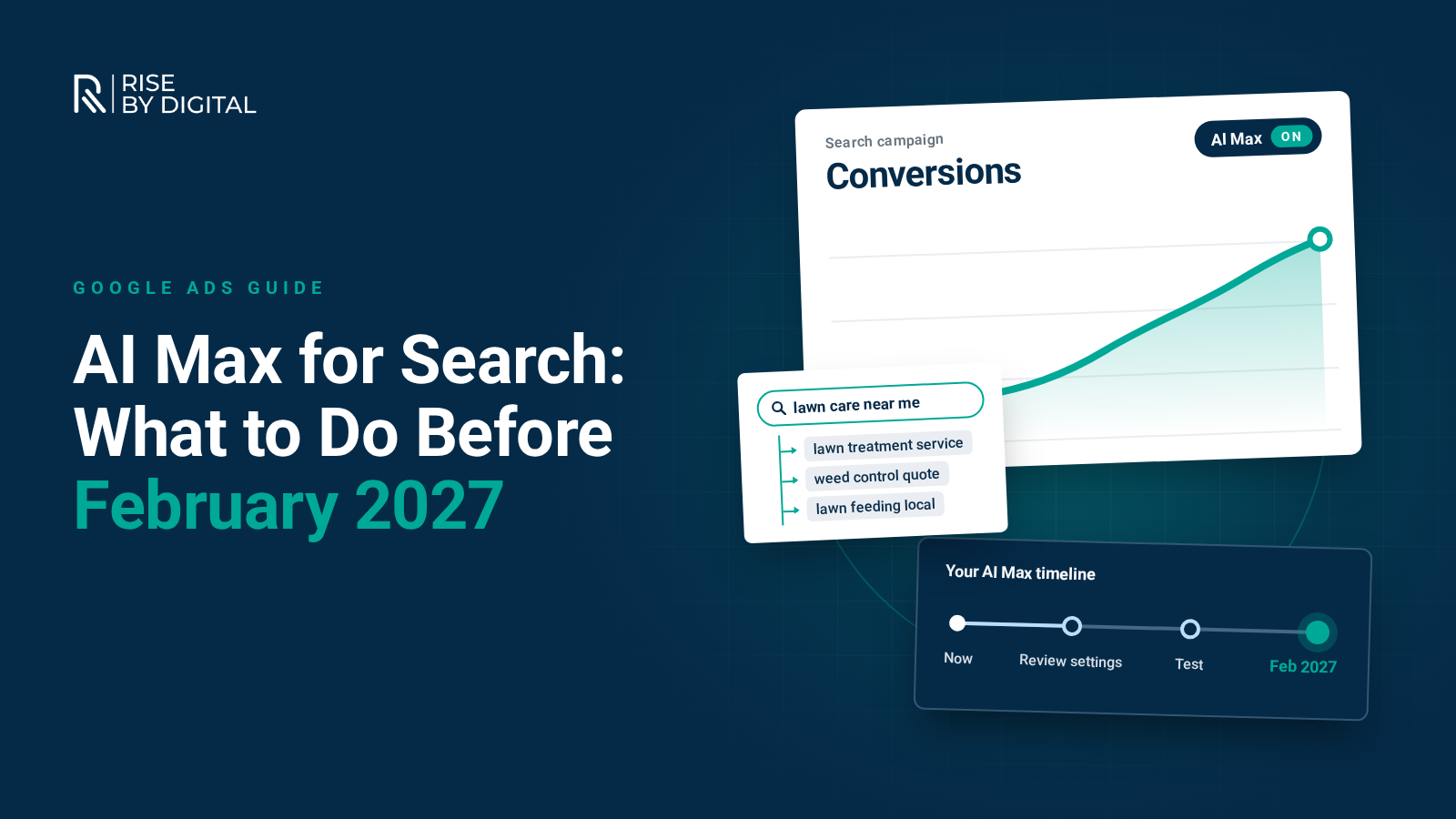
Google is moving Search campaigns onto AI Max, with Dynamic Search Ads switching automatically in February 2027. Here is what has changed, what to check in your account and how to keep control.
If you run Google Ads, the way your Search campaigns find people is changing. Google has been moving older Search features into AI Max, and the final step lands in February 2027, when Dynamic Search Ads are switched over automatically.
Some UK accounts have already been changed without anyone noticing. Here is what AI Max is, what Google has confirmed and how to keep control of your budget.
What is AI Max for Search?
AI Max is not a new campaign type. Google describes it as an optimisation layer that sits inside your existing Search campaigns. You keep your campaign structure, budgets, ad groups and keywords, and switch on a bundle of AI features on top. In Google's help guide to how AI Max works, the main features are:
- Search term matching. This uses broad match plus "keywordless" technology, drawing on your keywords, ads and landing pages to find searches you are not explicitly targeting.
- Text customisation. Previously called automatically created assets. Google uses your ads, landing pages and generative AI to write headlines and descriptions tailored to each search.
- Final URL expansion. Google can send a click to a different page on your site if it judges that page more relevant. It requires text customisation.
It also comes with controls:
- Brand inclusions and exclusions to choose which brands your ads are associated with, or keep them away from certain brands.
- Locations of interest at ad group level, so keywordless matches still respect the places people are searching for.
- URL inclusions and exclusions to steer which landing pages Google can use.
- Text guidelines to exclude specific words or phrases and set messaging restrictions for AI-written copy.
The timeline: what has changed and what is next
Google announced the upgrade in April 2026, then delayed the Dynamic Search Ads part in June. The Google Ads Developer Blog later confirmed these dates:
- 3 August 2026: creating new campaign-level broad match settings or legacy automatically created assets was blocked in Google Ads, Google Ads Editor and the API.
- 1 to 30 September 2026: Search campaigns using the campaign-level broad match setting or standalone automatically created assets were upgraded to AI Max automatically, rolling out through the month.
- From September 2026: in-account banners began encouraging voluntary Dynamic Search Ads upgrades.
- 15 January 2027: Google says it will send an official reminder notification to all accounts still running legacy Dynamic Search Ads.
- 1 to 28 February 2027: remaining Dynamic Search Ads campaigns are upgraded automatically, and the ability to create new dynamic ad groups is permanently removed.
If you still run Dynamic Search Ads, you have until February to decide how the switch happens.
What the automatic upgrade switches on
Google says upgraded campaigns are set up to mirror their old settings, but the defaults differ by starting point:
- Campaign-level broad match: search term matching on, text customisation off, final URL expansion off. Existing brand lists are carried across.
- Automatically created assets: search term matching on, text customisation on, final URL expansion off.
- Dynamic Search Ads: dynamic ad groups become standard ad groups and Dynamic Search Ads become responsive search ads. Google says all three AI Max features are switched on, with your existing URL controls kept. Older URL rule types such as "page title contains" or "page content contains" become read-only, so you can remove them but not edit or add new ones.
That last point is the one to plan for. A long-running Dynamic Search Ads campaign could come out of February with final URL expansion and AI-written copy switched on.
How AI Max relates to broad match and Performance Max
AI Max goes further than broad match. Broad match still needs a keyword to start from. AI Max adds keywordless matching based on your landing pages and ad content, similar to how Dynamic Search Ads worked. Google's developer documentation also notes that, with AI Max on, keywords are treated as broad match by default unless search term matching is switched off for that ad group.
One detail is easy to miss. Under the old campaign-level broad match setting, keywords you had added as exact match were still prioritised as exact match. Google's help centre says that after moving to AI Max, they are not. If certain searches really matter, Google suggests adding exact match copies of those keywords.
On Performance Max, Google says AI Max behaves like broad match. If a search could trigger both, the one with the higher Ad Rank serves. An exact match keyword identical to the search still takes priority over Performance Max.
Your AI Max account checklist
These are the checks we would make first.
1. Find out what has already changed
Open your Search campaign settings and look for the AI Max section. Note which campaigns have it switched on and which features are active.
2. Review the search terms report
Filter for the new "AI Max" match type to see what has triggered your ads since September. A source column shows whether each match came from broad match or keywordless matching. Add irrelevant searches as negative keywords. Google confirms that negative keywords are still respected with AI Max switched on.
3. Check your bidding and budgets
Google says search term matching does not work with manual CPC and needs a conversion based Smart Bidding strategy, such as Maximise conversions or Maximise conversion value. It also warns that AI Max will not be effective if a campaign is limited by budget. If your conversion tracking is patchy, fix that first.
4. Protect your landing pages and tracking
If final URL expansion is on, Google can choose any relevant page on your domain. Add URL exclusions for pages that should never receive paid traffic, such as careers, blog posts, policy pages or out-of-stock products. If you use tracking templates, Google advises checking they use the {lpurl} tag correctly, as some setups can send expanded clicks to broken pages.
5. Check pinned ads and messaging
Pinned headlines and descriptions are not respected when final URL expansion or URL inclusions are on. If you pin for legal or compliance reasons, which is common in finance, healthcare and regulated trades, keep final URL expansion off and use text guidelines to block wording you cannot use.
6. Set brand and location controls
Use brand exclusions to keep generic campaigns off your own brand searches, and brand inclusions where you want tight control. If you serve specific towns or regions, add them as locations of interest at ad group level so keywordless matches stay local.
7. Plan your Dynamic Search Ads move
Do not wait for February. Google's help centre explains how to upgrade Dynamic Search Ads campaigns yourself from the campaign settings. Doing it on your own timetable lets you choose the settings and check the new responsive search ads before the automatic switch.
How to keep control
AI Max can be switched off at campaign level, and search term matching can be turned off for individual ad groups. Turning AI Max off disables all of its features, including brand exclusions, though switching it back on restores your previous settings.
A better option is to test. Google offers one-click experiments, so you can compare performance with and without AI Max before committing. Treat Google's own figures with care. Google says campaigns using the full feature set see an average of 7% more conversions or conversion value at a similar CPA or ROAS, compared with search term matching alone. That is based on Google's internal data for non-retail advertisers, so your account may see something different.
When AI Max helps, and when to be cautious
AI Max tends to suit accounts that have:
- reliable conversion tracking with a decent volume of conversions;
- clear, specific website pages for each product or service;
- room in the budget to explore new searches; and
- someone checking search terms and landing pages regularly.
Be more careful if:
- you get only a handful of conversions a month, so Smart Bidding has little to learn from;
- your budget is already tight;
- you work in a regulated sector where ad wording must be approved; or
- your site has thin or outdated pages you would not want as landing pages.
In those cases, use search term matching in selected ad groups only, leave final URL expansion off and build up gradually. Our guide to ways to decrease your CPA covers groundwork that helps any automated campaign.
A note on AI Overviews and AI Mode
Google says ads shown inside AI Overviews rely on broad match or keywordless technology such as AI Max. In the UK, ads can already appear above or below AI Overviews. However, Google's list of countries for ads within AI Overviews does not currently include the UK, and Google has not confirmed a UK launch date for ads in AI Mode. We will update this post if that changes.
How we approach AI Max at Rise By Digital
As a Google Partner, our approach is simple: use automation where the data supports it and keep firm guardrails everywhere else. That means auditing what changed in September, tightening negatives, brand and URL controls, testing through experiments and upgrading Dynamic Search Ads before Google does it for you.
New to this? Our guide on how to set up a campaign in Google Ads covers the basics. You can also explore our PPC management services or request a paid media audit.
Want a second opinion on your account?
We will review your Search campaigns, show you what AI Max is doing with your budget and tell you what we would change before February 2027.