
Before Black Friday and Christmas, give your Google Ads account a proper tidy-up. Our checklist covers conversion tracking, audiences, wasted spend, Q4 budgets and seasonal ads.
October is the last sensible moment to tidy up a Google Ads account before the busy season. Black Friday falls on 27 November this year, and once the rush starts nobody wants to be untangling conversion tags or wondering why spend has jumped on searches that will never buy.
Smart Bidding can only work with the data you give it, so fixing problems now gives your campaigns a few weeks to settle before the expensive days arrive. This checklist covers the five areas we look at first in an audit. Work through it in order, because each step relies on the one before.
1. Start with conversion tracking
If tracking is wrong, bidding, reporting and audience lists are all wrong too.
Check the status of every conversion action. In Google Ads, go to Goals > Conversions > Summary and look at the Status column. The statuses include Active, Needs attention, Misconfigured and Awaiting conversions. "Misconfigured" means conversions have stopped recording altogether, and "Awaiting conversions" means nothing has been recorded for seven days. Either one needs looking at before you spend another pound.
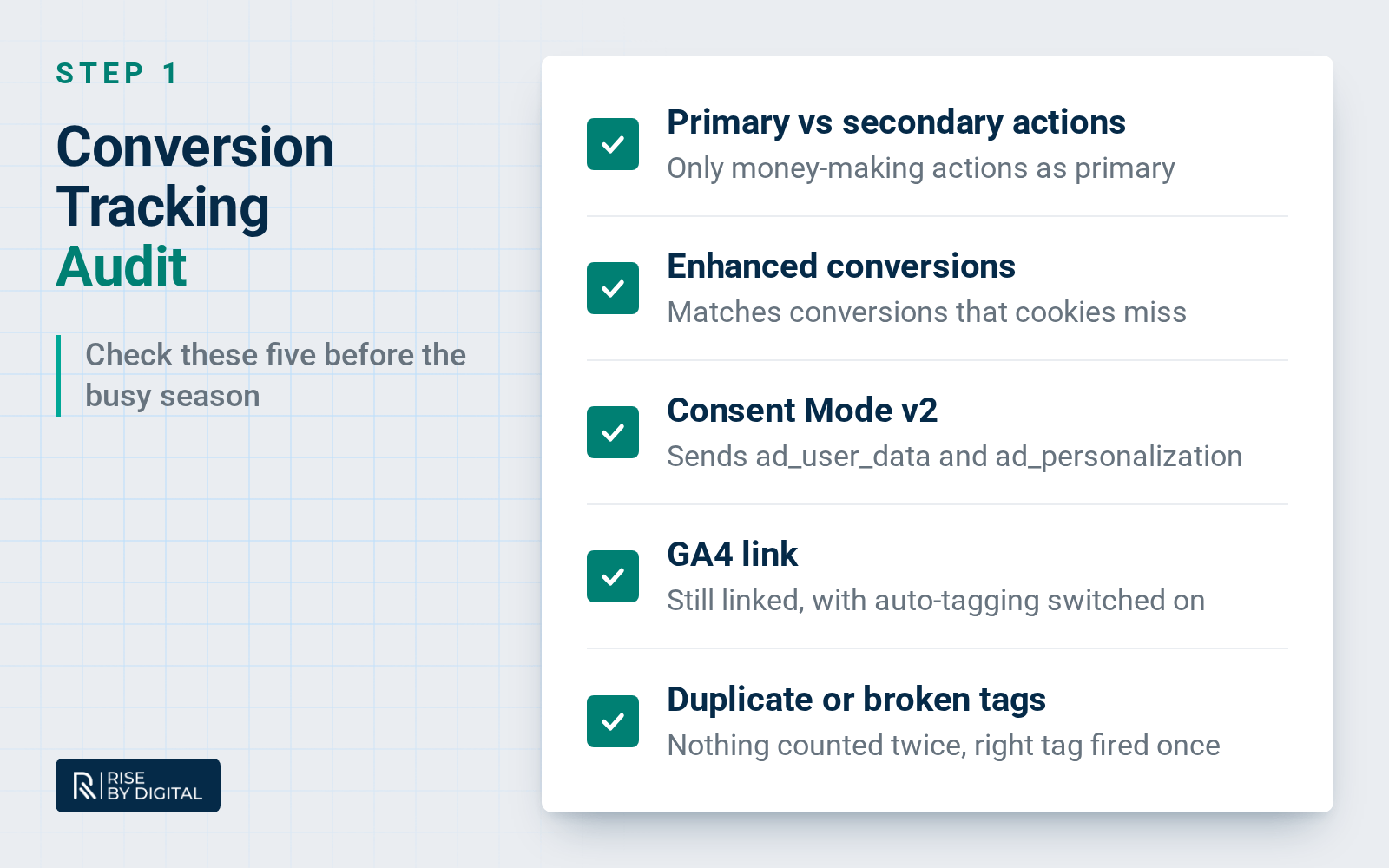
Review primary and secondary actions. Primary actions appear in the Conversions column and are used for bidding. Secondary actions are for observation only and show in the All conversions column. A common problem is a soft action, such as a page view or a click on a button, set as primary, which teaches Smart Bidding to chase the wrong thing. Your primary actions should be the things that make you money: sales, qualified enquiries and calls.
Look for duplicates. If you count the same enquiry with a Google Ads tag and an imported Google Analytics 4 (GA4) key event, and both are primary, the same lead can be counted twice. Pick one source for each action and set the other to secondary.
Turn on enhanced conversions. Google has combined enhanced conversions for web and leads into a single on/off setting this year. It uses hashed first-party data, such as an email address from a form, to match conversions that cookies miss. Check it under Goals > Conversions > Settings.
Check Consent Mode v2. For visitors in the UK, the EEA and Switzerland, Google expects the ad_user_data consent signal. Both ad_user_data and ad_personalization must be granted for remarketing and other personalised advertising to work. If you use a Google-certified consent platform, make sure it is up to date. If your banner was built by hand, ask your developer to confirm it sends the v2 signals. Our guide to cookie consent and Google Analytics explains the UK rules.
Confirm your GA4 link and auto-tagging. Make sure Google Ads and GA4 are still linked and that auto-tagging is switched on, so visits from your ads are attributed properly.
Test a real conversion. Submit your own form or make a test purchase, then use Tag Assistant to check the right tag fired once. If tracking was broken for a period, add a data exclusion for those dates so Smart Bidding ignores the bad data.
2. Audiences: build them now, use them in December
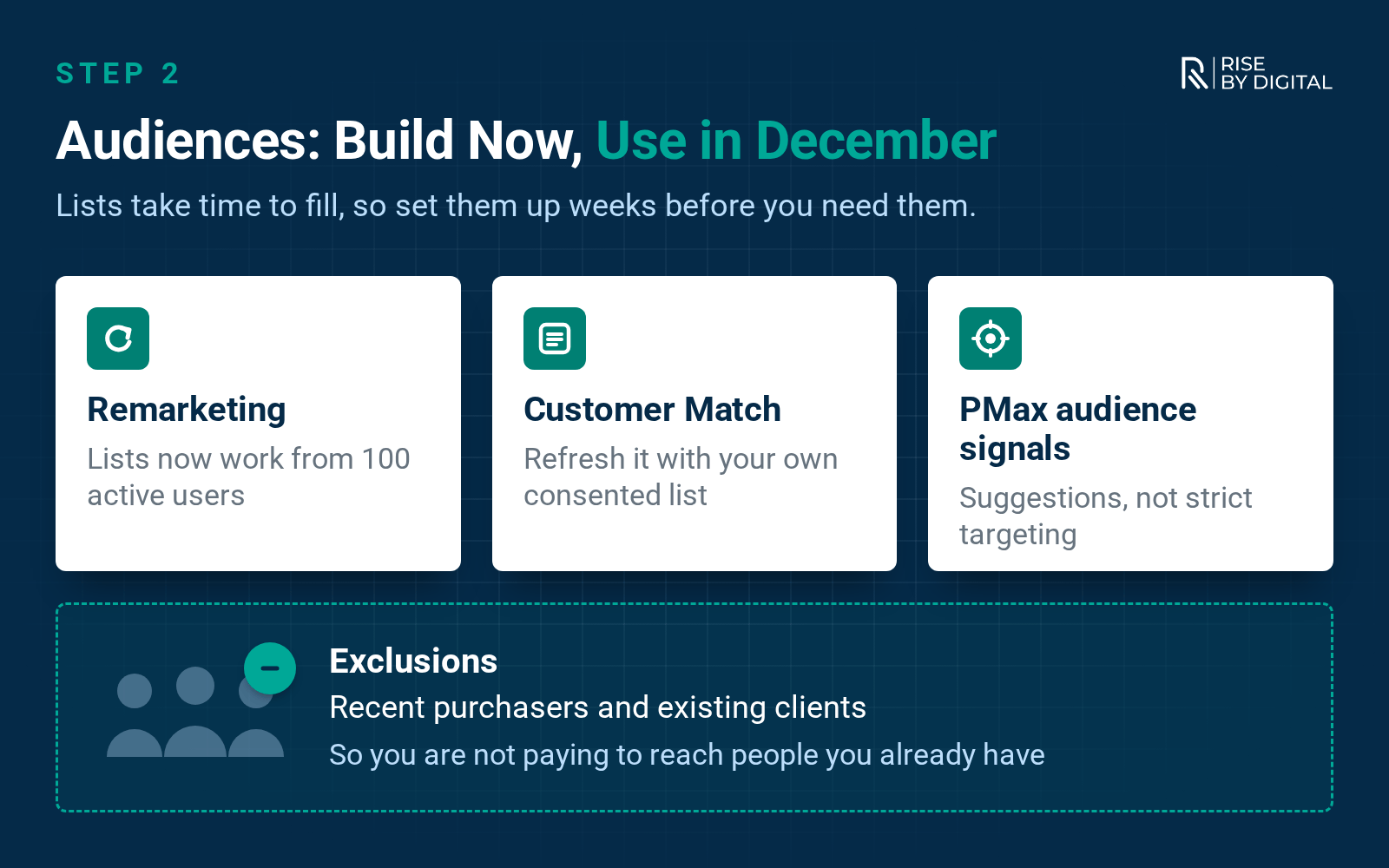
Lists take time to fill, so set them up weeks before you need them.
Smaller lists now work. Google has lowered the minimum size for your data segments to 100 active users in the last 30 days across Search, Display and YouTube. Search used to need 1,000, so many small businesses that could never remarket on Search now can.
Refresh your Customer Match lists. Upload an up-to-date list of customers or enquirers that you collected yourself, with the right consent. Every account in good standing can use Customer Match for observation and exclusions. Using it for targeting needs 90 days of account history and more than $50,000 in lifetime spend. Memberships expire after 540 days, so an old upload may be emptier than it looks.
Add exclusions. If a campaign is meant to find new customers, think about excluding recent purchasers or existing clients so you are not paying to reach people you already have.
Update Performance Max audience signals. In Performance Max, audience signals are suggestions that guide Google's AI rather than strict targeting. Feed them your freshest customer list, your website visitors and custom segments built from the searches your best customers use. Search themes can add extra context too.
3. Cut the wasted spend
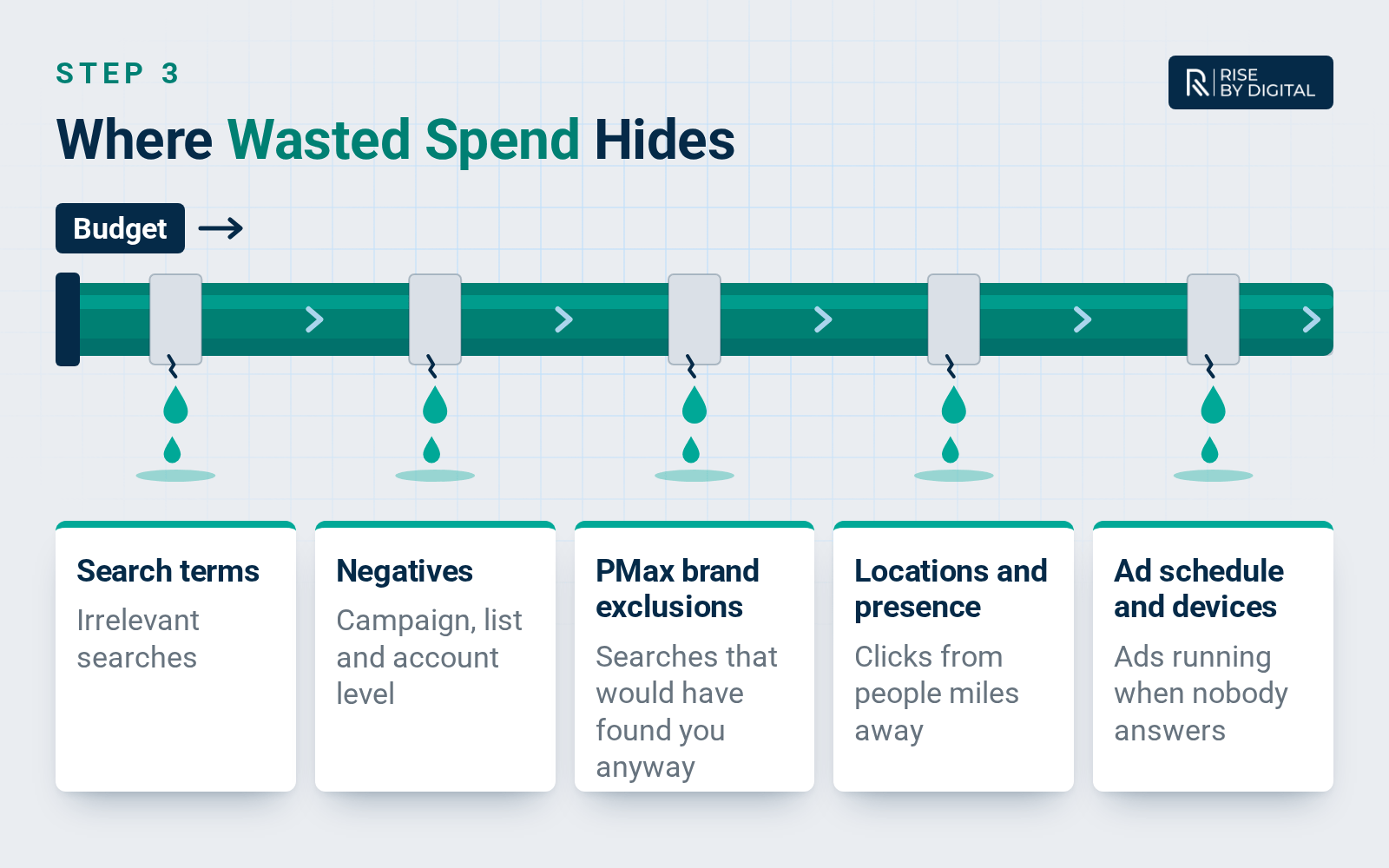
Search terms. Go through the search terms report for each Search campaign over the last 90 days. Add irrelevant searches as negative keywords: jobs, free, DIY, competitors you don't want, and places you don't serve.
Negative keyword lists. Save common negatives into shared lists in the Shared library so new campaigns pick them up straight away. Account-level negative keywords (up to 1,000) apply to Search and Shopping inventory across every relevant campaign type, including Performance Max.
Performance Max. PMax now has a search terms report under Insights and reports, and supports campaign-level negative keywords. Use brand exclusions if you don't want PMax to take credit for searches that would have found you anyway. For Search campaigns, new brand lists are now added through AI Max, which we cover in our AI Max for Search guide.
Placements. Check where your Display, YouTube and PMax ads have appeared, and add poor sites, apps or channels to your account-level placement exclusions.
Locations. The default location option shows ads to people in your area and to people who have shown an interest in it. If you only serve customers locally, switching to "Presence: People in or regularly in your targeted locations" can stop clicks from people miles away.
Ad schedule and devices. With Smart Bidding, Google ignores ad schedule bid adjustments, but the schedule itself still decides when ads can run. If calls are your main conversion and nobody answers after 6pm, schedule ads around your opening hours. A device adjustment of -100% stops ads on that device altogether.
Networks. In each Search campaign, check whether search partners or the Display Network are switched on, and whether they are actually converting.
4. Budgets and bids for Q4
Know how daily budgets behave. On an average daily budget, Google can spend up to twice the daily amount on a busy day, but you won't be charged more than 30.4 times the daily budget in a month.
Consider a campaign total budget for a fixed sale. For a new campaign with set dates, such as a Black Friday push, you can set one total budget for a period of 3 to 90 days. Google paces spend across the dates and won't charge more than the total. It is only available when you create a new campaign.
Watch shared budgets. If several campaigns share one budget, a single busy campaign can starve the rest. Give your most profitable campaigns their own budget over the peak.
Use seasonality adjustments sparingly. Smart Bidding already allows for normal seasonal patterns. Google recommends seasonality adjustments only when you expect a big change in conversion rate over a short event, ideally one to seven days. A flash sale fits. A whole month of Christmas trading does not.
Set targets early. If you use target CPA or target ROAS, agree your targets now and change them in small steps. Large changes made the day before Black Friday give the system no time to adjust. Our post on ways to decrease your CPA has more ideas.
5. Refresh your ads and assets
Promotion assets. These show your offer under the ad, with an occasion label. Black Friday and Cyber Monday occasions can run from 15 October to 15 December, Christmas from 1 November to 15 January, and Boxing Day from 15 December to 15 January. Occasion assets must be created or edited within six months of their start date to serve, so last year's will not simply switch back on.
Sitelinks. Point them at your gift guide, delivery cut-off dates, seasonal opening hours or best-selling services, and check every link still works.
Responsive search ads. Add headlines that mention your offer and deadlines, then check ad strength as a guide to variety.
AI-written text. If AI Max text customisation or other automatically generated text is switched on, read what Google is generating and make sure it matches your real offer.
Landing pages. Make sure the page matches the ad, prices are right, stock is available and forms work on mobile.
Your pre-peak checklist
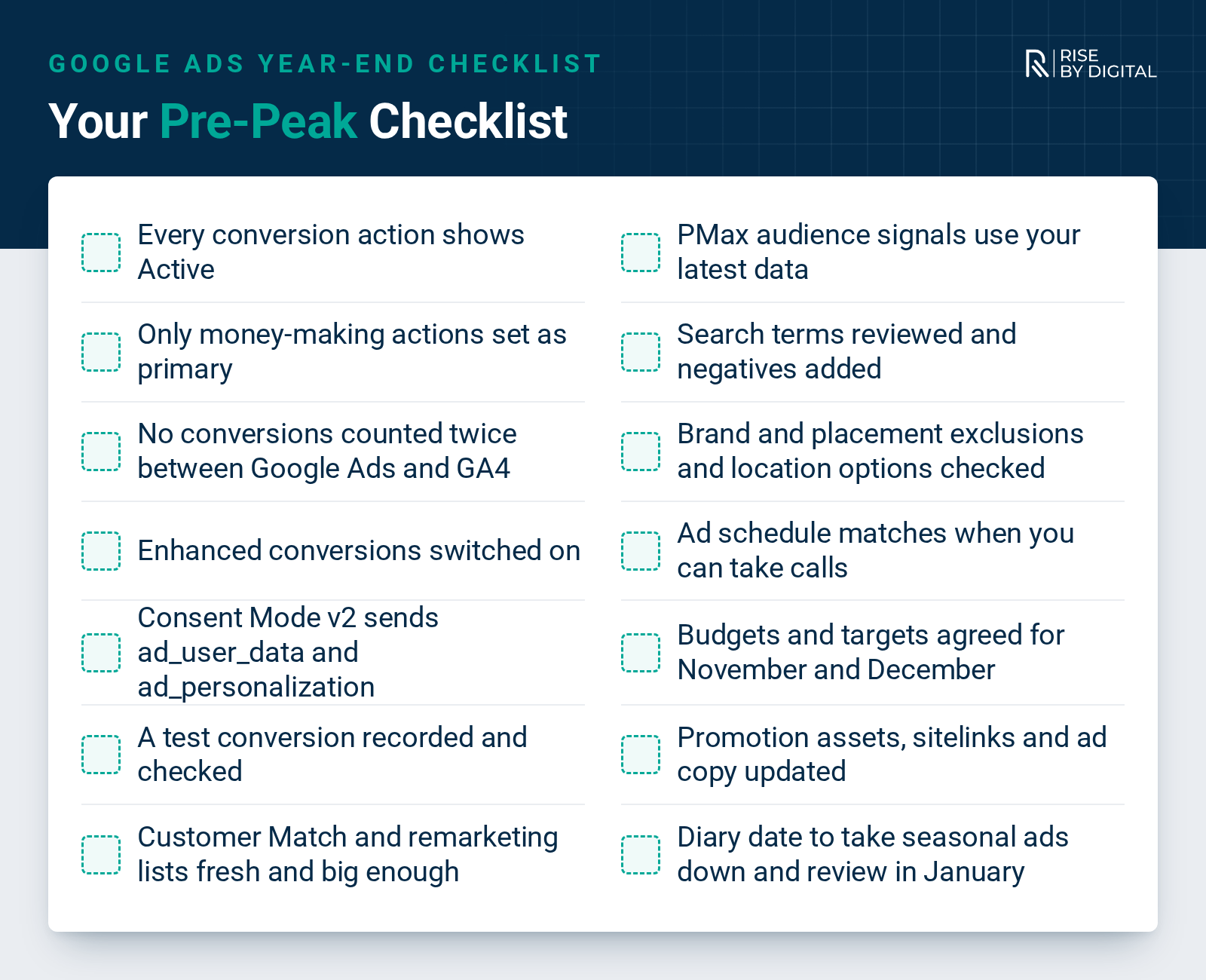
- Every conversion action shows Active, or you know why it doesn't
- Only money-making actions are set as primary
- No conversions are counted twice between Google Ads and GA4
- Enhanced conversions is switched on
- Consent Mode v2 sends ad_user_data and ad_personalization
- A test conversion has been recorded and checked
- Customer Match and remarketing lists are fresh and big enough to use
- PMax audience signals use your latest data
- Search terms reviewed and negatives added at campaign, list and account level
- Brand exclusions, placement exclusions and location options checked
- Ad schedule matches when you can take calls
- Budgets and targets agreed for November and December
- Promotion assets, sitelinks and ad copy updated for your offers
- A date in the diary to take seasonal ads down and review results in January
Want us to check your account before the busy season?
Our Google Ads management team audits and manages accounts for UK businesses of all sizes. If you would like a second pair of eyes on your tracking, audiences and spend before Black Friday, tell us about your account and we will come back with a clear plan. Prefer to talk? Call us on 01509 357412.